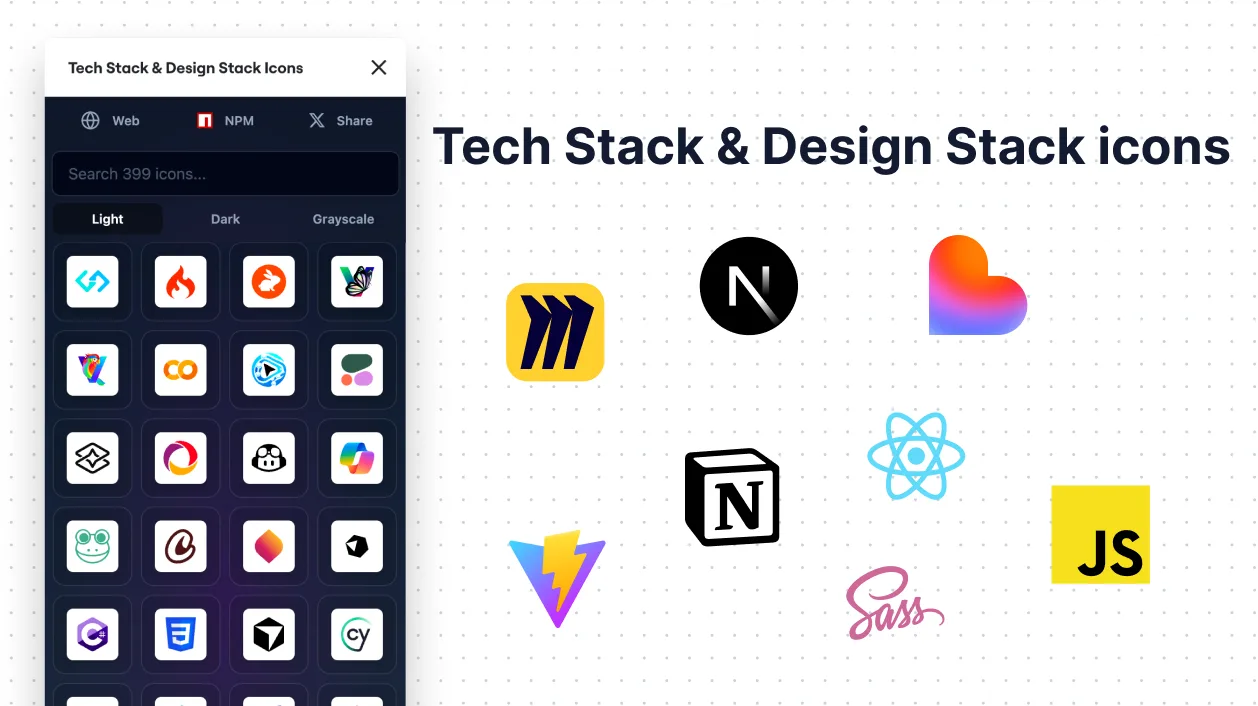
Tech Stack & Design Stack Icons

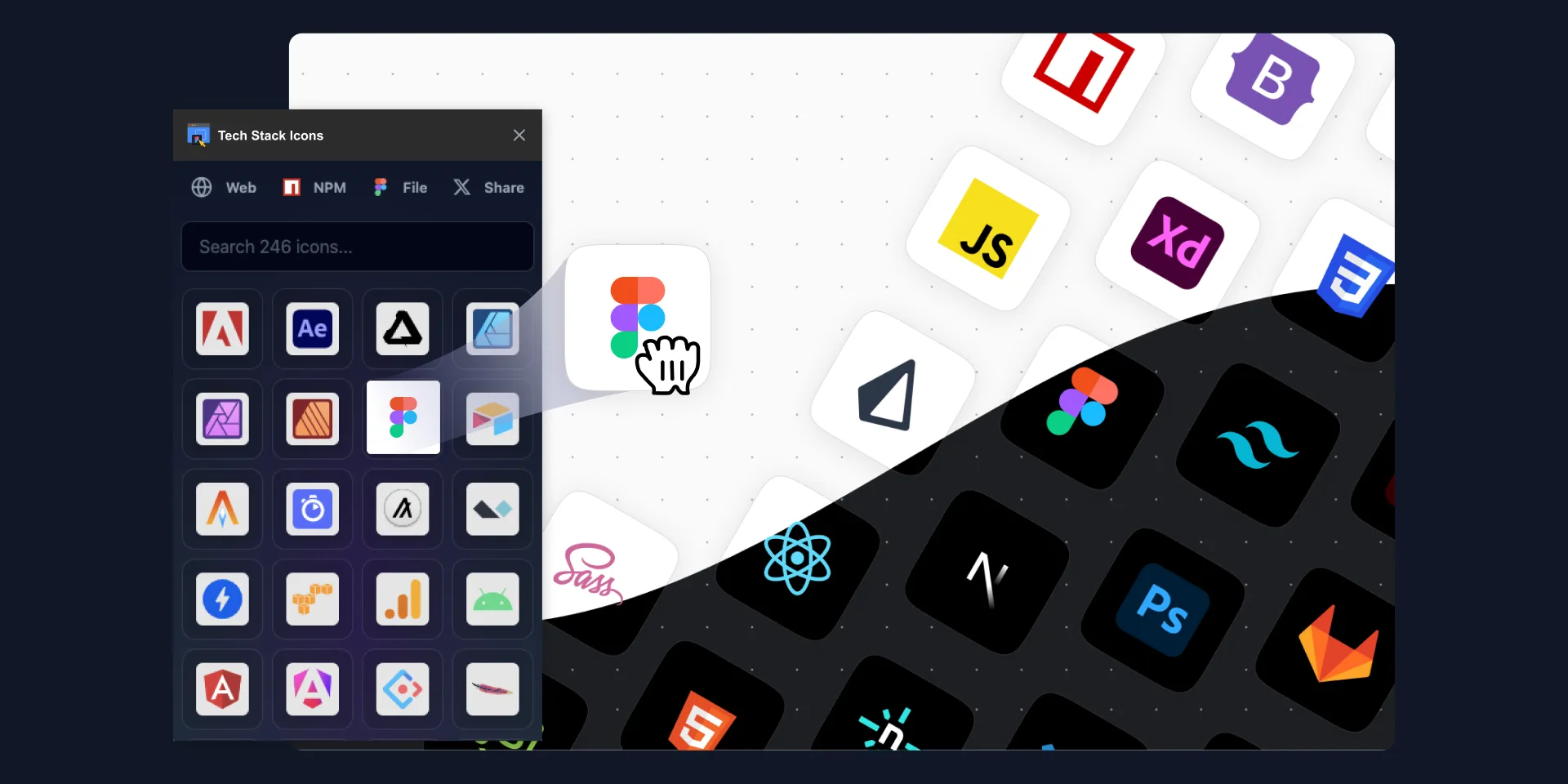
Add technology icons directly to your Figma canvas.
Find icons for stack diagrams, documentation and interface mockups without assembling them one by one.
- Browse technology and design-tool icons.
- Drag SVG icons into a Figma file.
- Use them in your stack diagrams and project mockups.
Listed license: US$16 (USD). Confirm included features, any tax and the final total at checkout.
Open the Figma listing to check current access and compatibility. The platform listing and license checkout explain which features require a paid license.
Tech Stack & Design Stack Icons is a Figma plugin with 690+ original SVG icons for React, Vue, Node.js, Tailwind CSS, and 600+ web frameworks and design tools — drag and drop directly to your Figma file.
690+ Tech Stack & Design Stack Icons for Figma
The only Figma plugin you need for technology stack icons. Stop searching the web for logos — bring them directly into your Figma canvas with a single drag and drop.
Available via:
- Figma Plugin — Drag & Drop directly to Figma
- NPM Package —
npm install tech-stack-icons - Plugin Website
- NPM Website
What's Included?
A comprehensive set of the most-used technologies and frameworks for web development and UI design:
Frontend Frameworks & Libraries
React, Vue.js, Angular, Svelte, Next.js, Nuxt.js, Astro, Remix, SolidJS
CSS & Design Frameworks
Tailwind CSS, Bootstrap, Material UI, Chakra UI, Ant Design, Sass, PostCSS
Backend & Databases
Node.js, Express, Django, Laravel, PostgreSQL, MongoDB, Redis, Supabase, Firebase
DevOps & Tools
Docker, GitHub, GitLab, AWS, Vercel, Netlify, VS Code, Figma, Webpack, Vite
Design Tools & Brands
Figma, Sketch, Adobe XD, Framer, Webflow, and 600+ more
⚡ Key Features
- Original SVG icons — Crisp, pixel-perfect at any size
- Light mode & Dark mode — Toggle between versions (dark mode coming to plugin)
- Grayscale variants — For neutral tech stack sections (coming to plugin)
- Search by name, brand, or framework — Find what you need instantly
- Drag & Drop — Place icons directly onto your Figma canvas
🚀 Perfect for
- YouTube thumbnails featuring tech stacks
- Portfolio "tech stack" sections
- App landing pages
- Developer documentation diagrams
- Job posting graphics
- Team tech stack slides
Related Tools
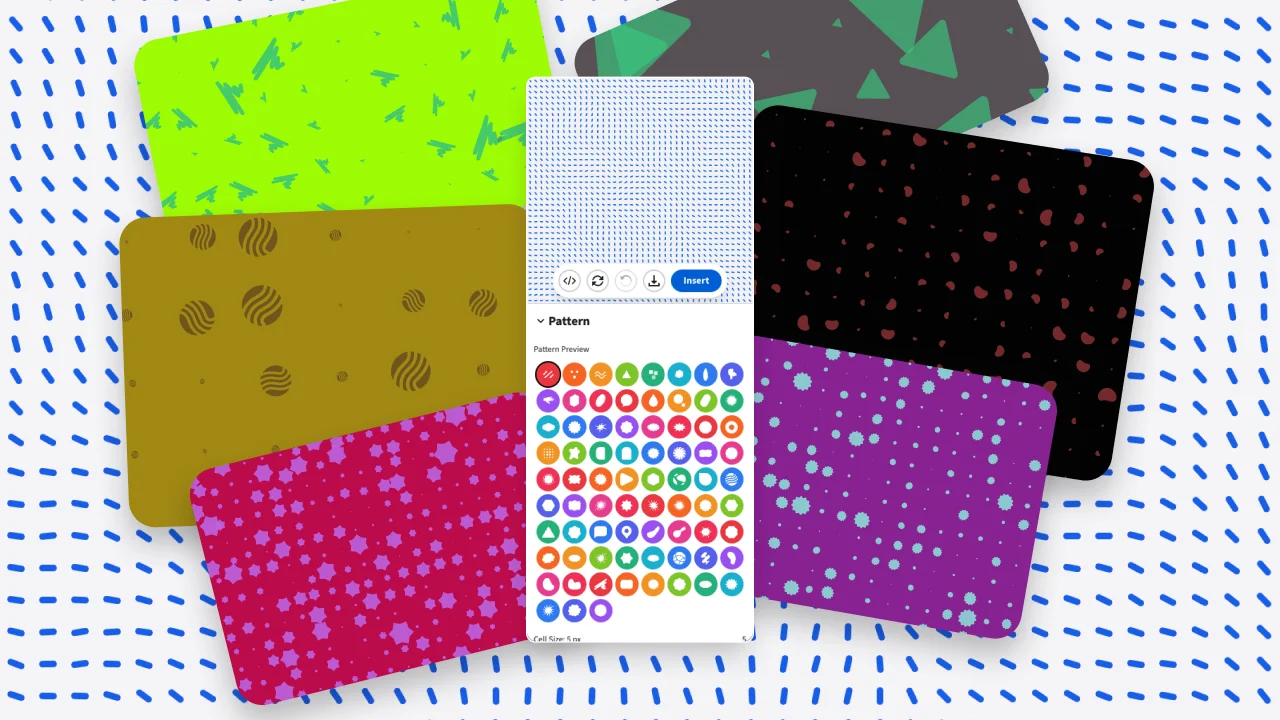
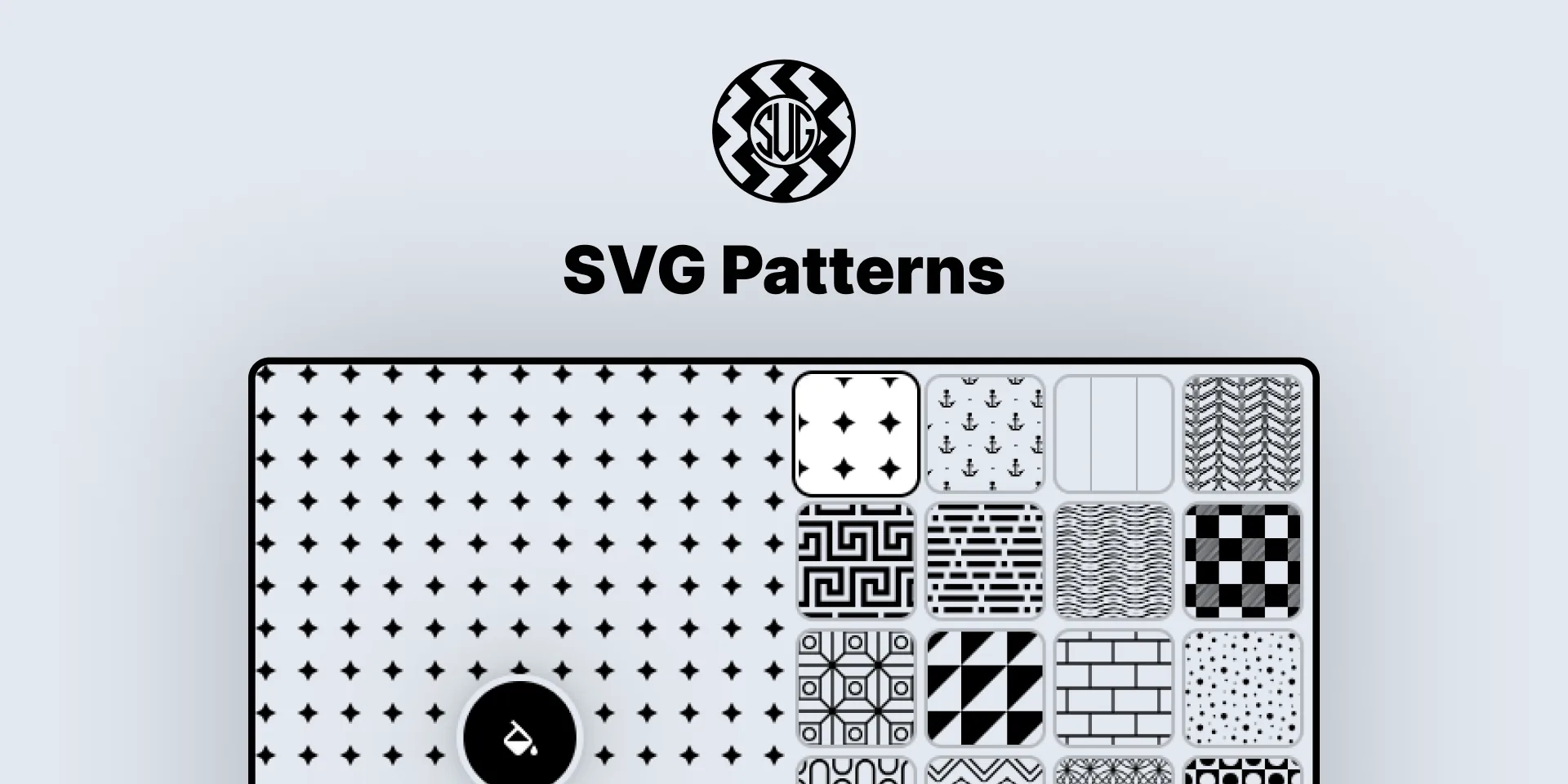
- SVG Patterns — 180+ seamless SVG patterns for Figma
- Iconiverse — More icon resources for Figma
- Pixel Art Generator — Create pixel art in Figma
Use icons in a technology diagram
Start with the tools your project actually uses, then choose the corresponding icons in Figma. Keep their size and spacing consistent and add text labels where a logo alone would be unclear. Review the result at its final presentation size.
For a broader process, read the Figma productivity workflow guide. Need the Miro version instead? See Tech Stack & Design Stack Icons for Miro.
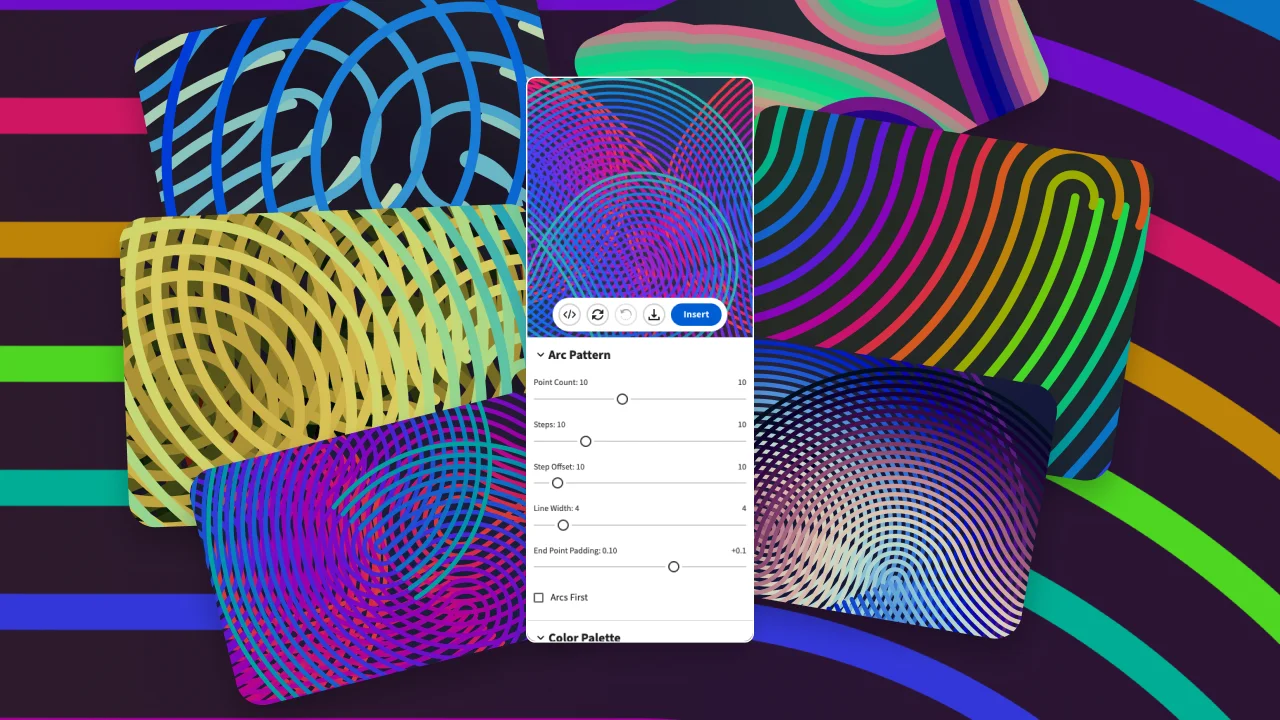
Arc Plotter
Arc Plotter lets you design and export precise arc paths, circular diagrams, and parametric curve patterns — in seconds.
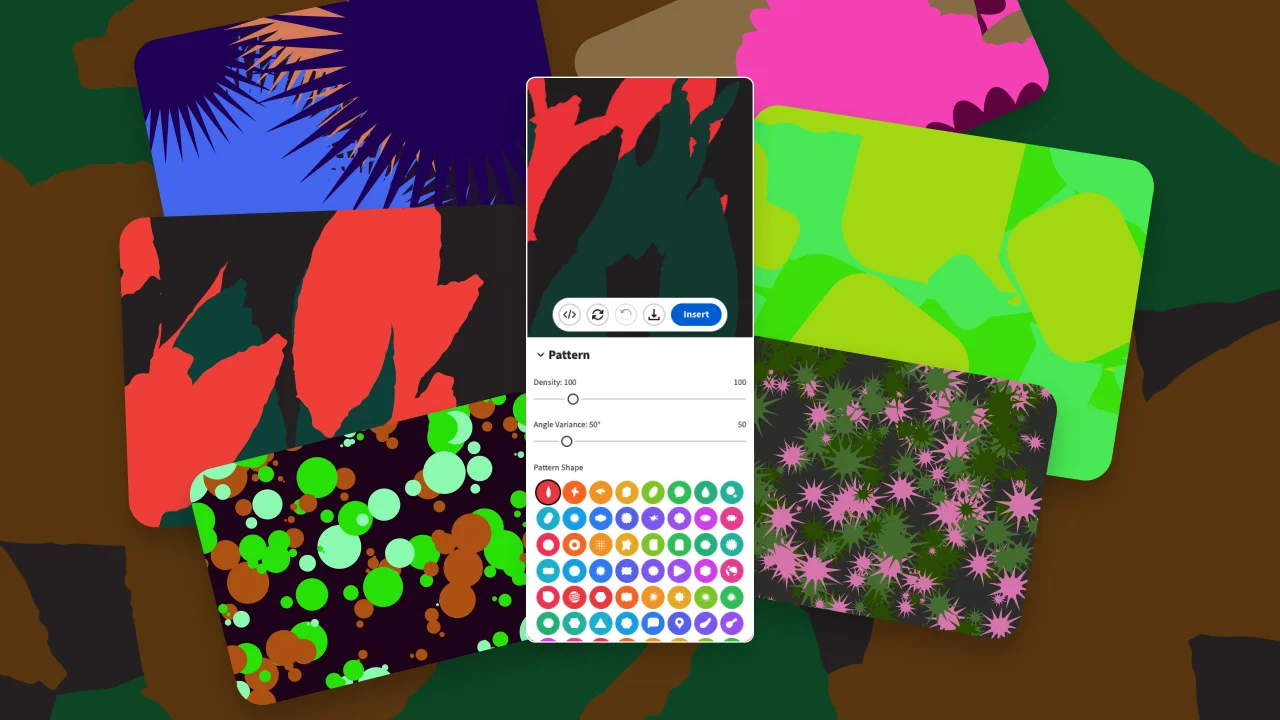
Camo SVG Pattern Generator
Camo Pattern Generator lets you create unique, customizable camouflage-style SVG patterns and insert them directly into your canvas — in seconds.

Dither Studio
Dither Studio converts raster images into beautiful dithered artwork using classic halftone and ordered dithering algorithms — in seconds.


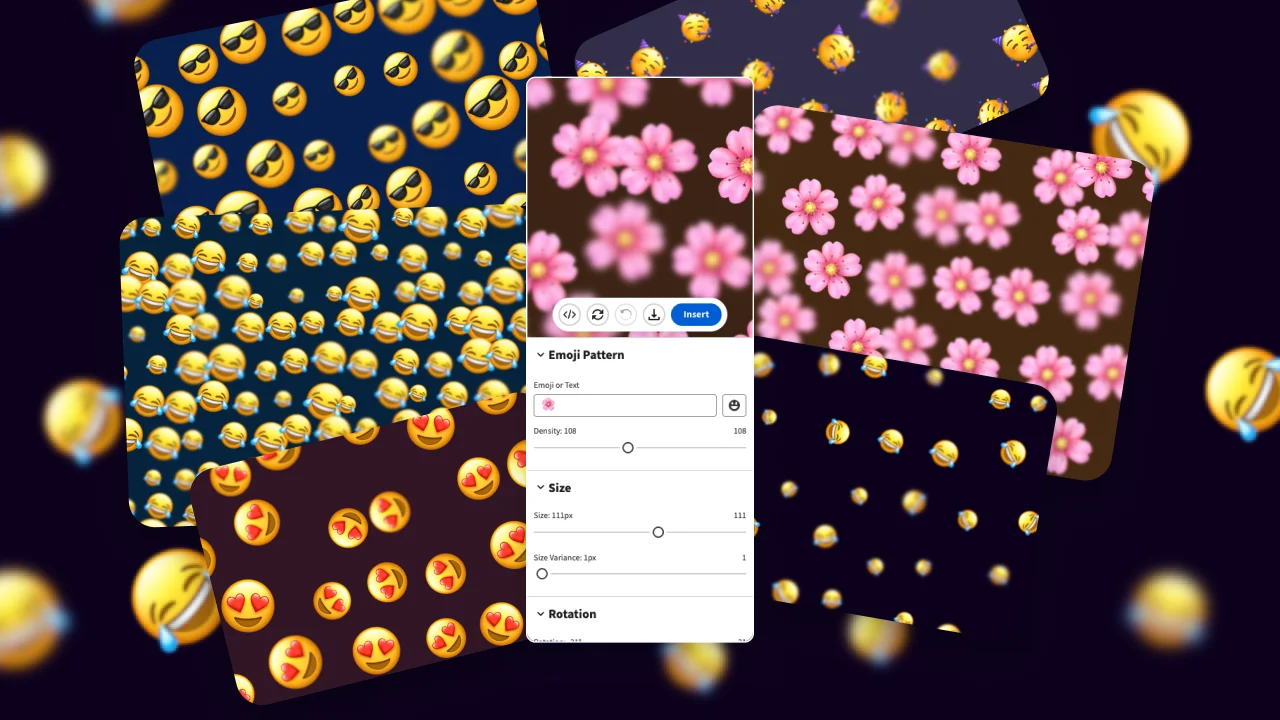
Emoji Background Generator
Emoji Background Generator tiles any emoji into beautiful, randomized pattern backgrounds directly on your canvas — in seconds.

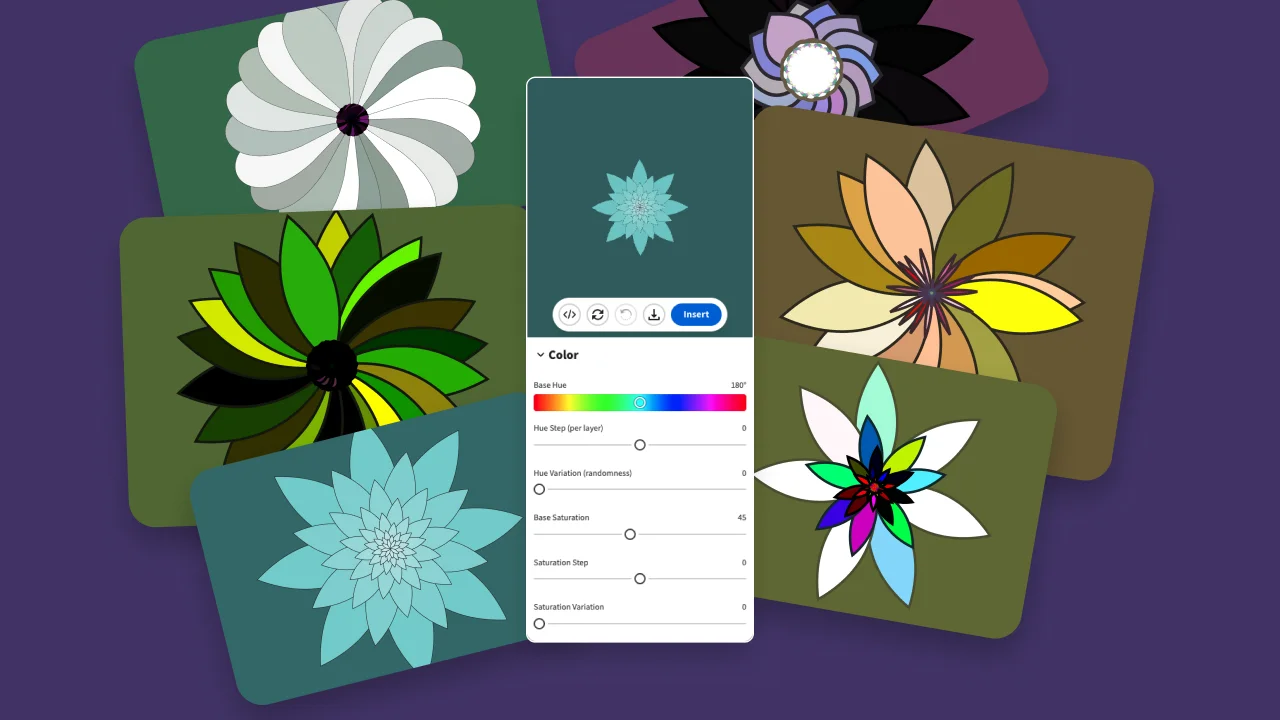
Flower Generator
Flower Generator creates stunning generative flower and petal designs with full parameter control, ready to insert into your canvas — in seconds.

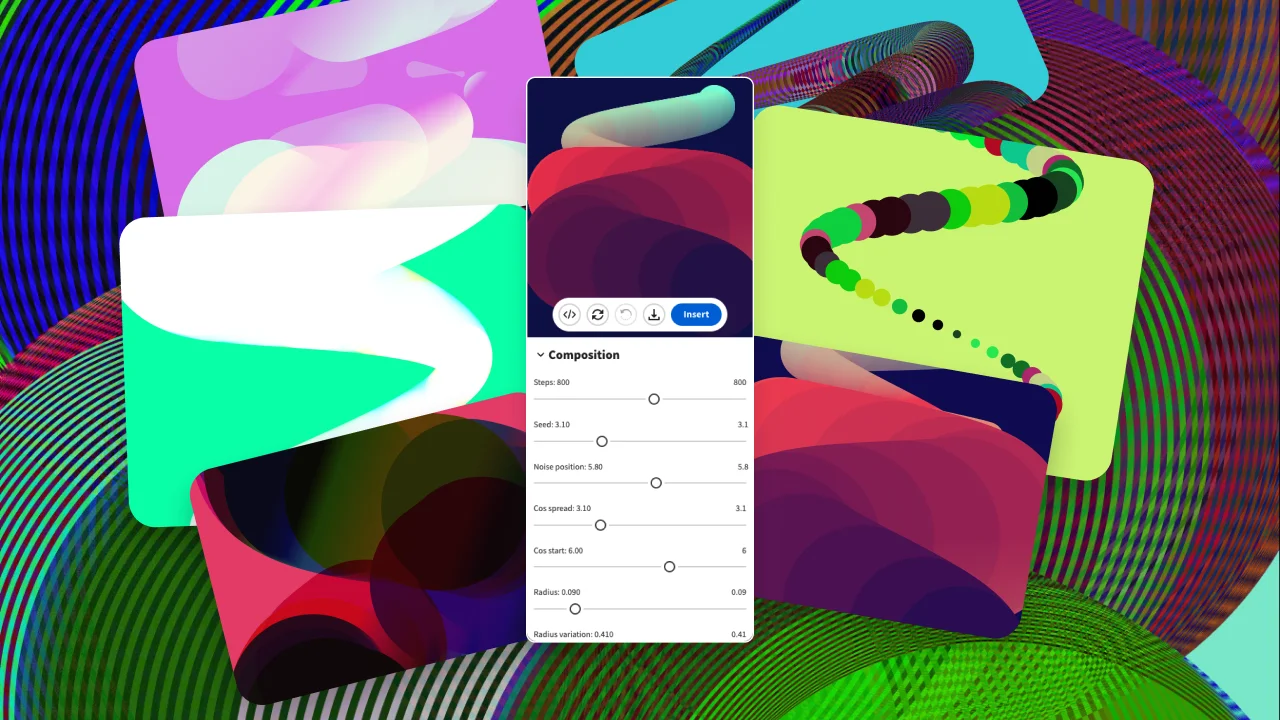
Generative Poster
Generative Poster generates unique, algorithm-driven poster compositions directly on your canvas.
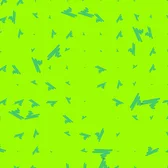
Generative SVG Noise Generator
Generative SVG Noise Generator creates smooth, customizable noise-based SVG textures and backgrounds directly on your canvas.
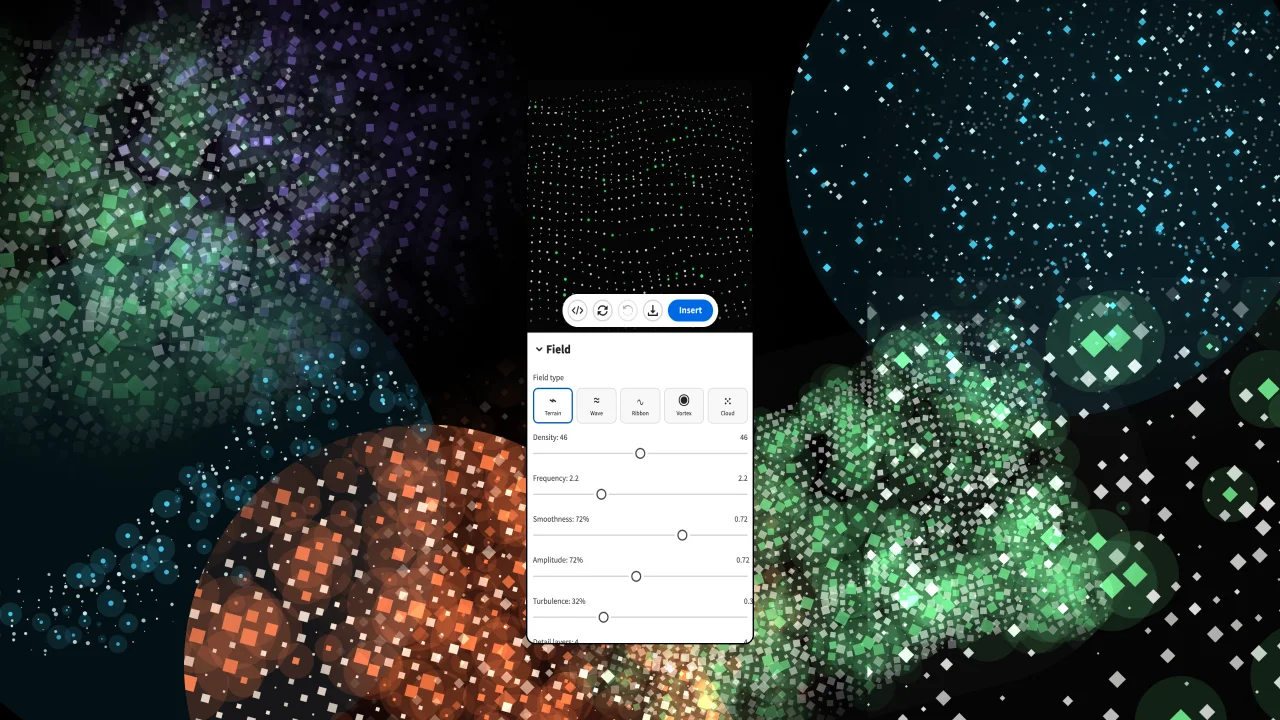
Geo Particle SVG Generator
Geo Particle SVG Generator creates dynamic terrain, wave, ribbon, vortex, and cloud-inspired particle compositions directly on your canvas.
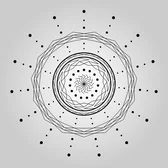
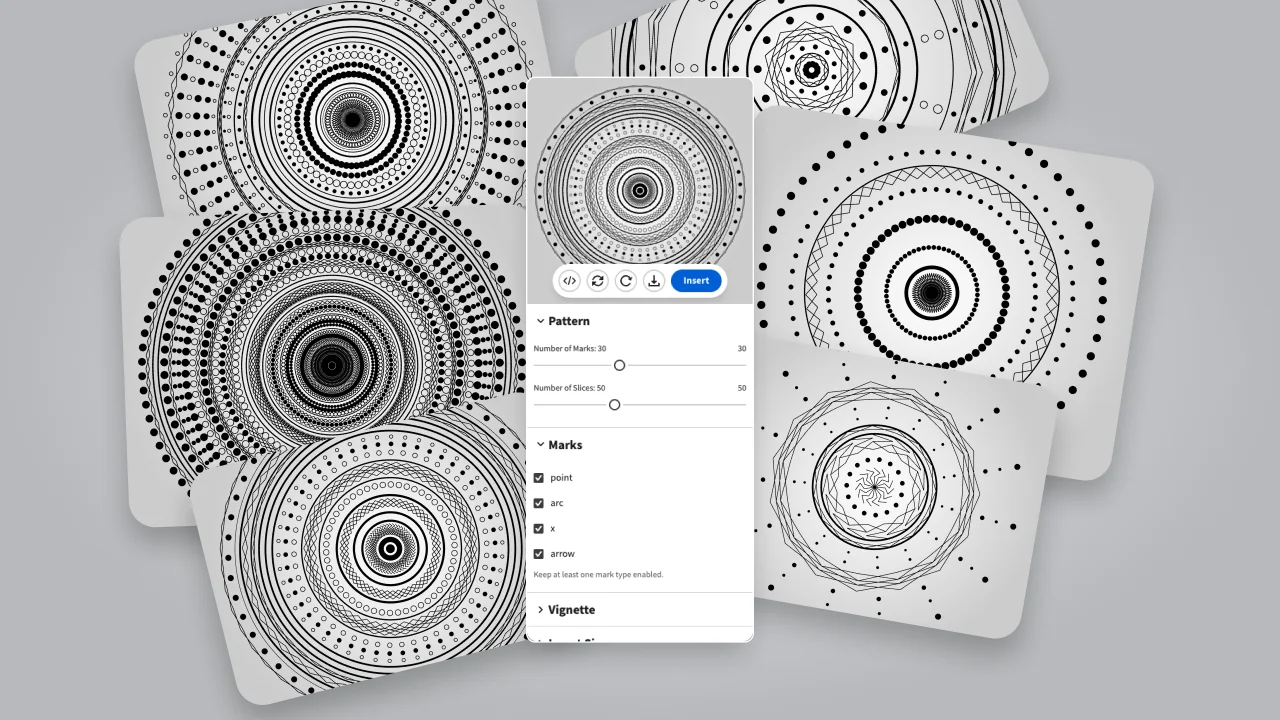
Mandala Generator
Mandala Generator generates beautiful, symmetrical mandala designs with full customization, ready to insert into your canvas.

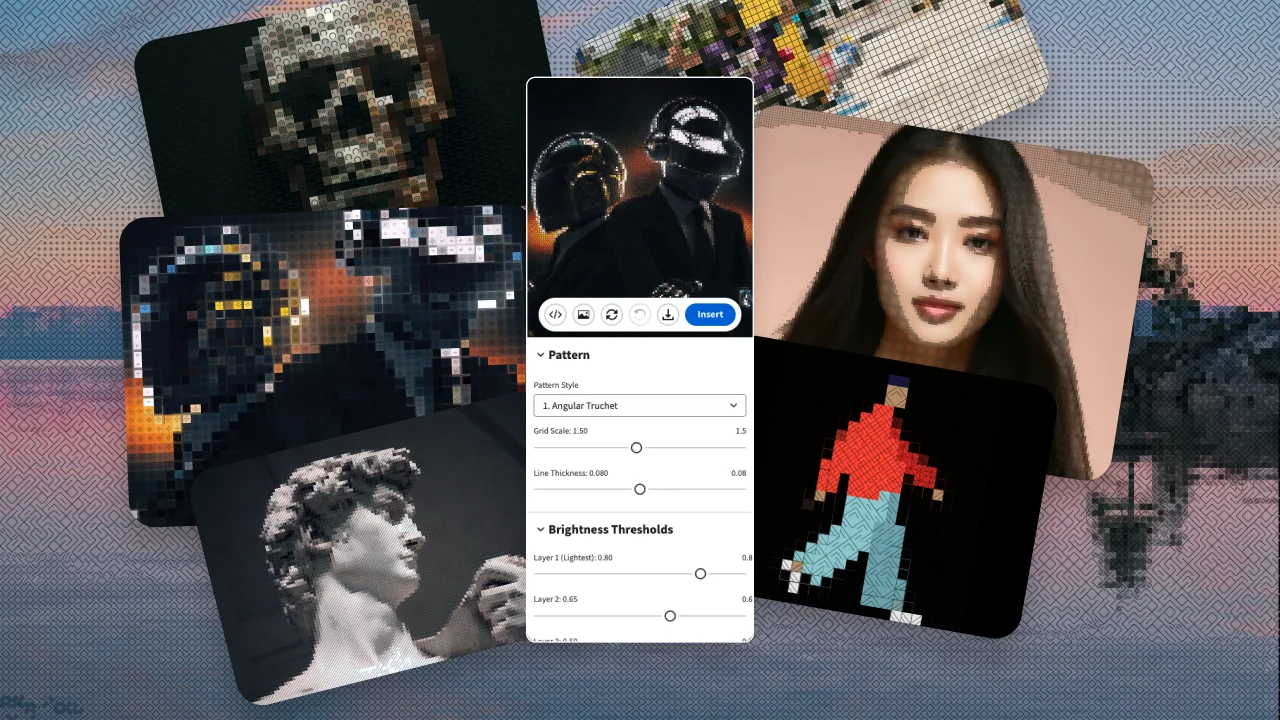
Pattern Over Pixels
Pattern Over Pixels blends vector patterns directly over pixel images for unique mixed-media effects.
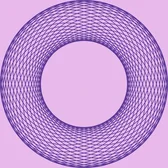
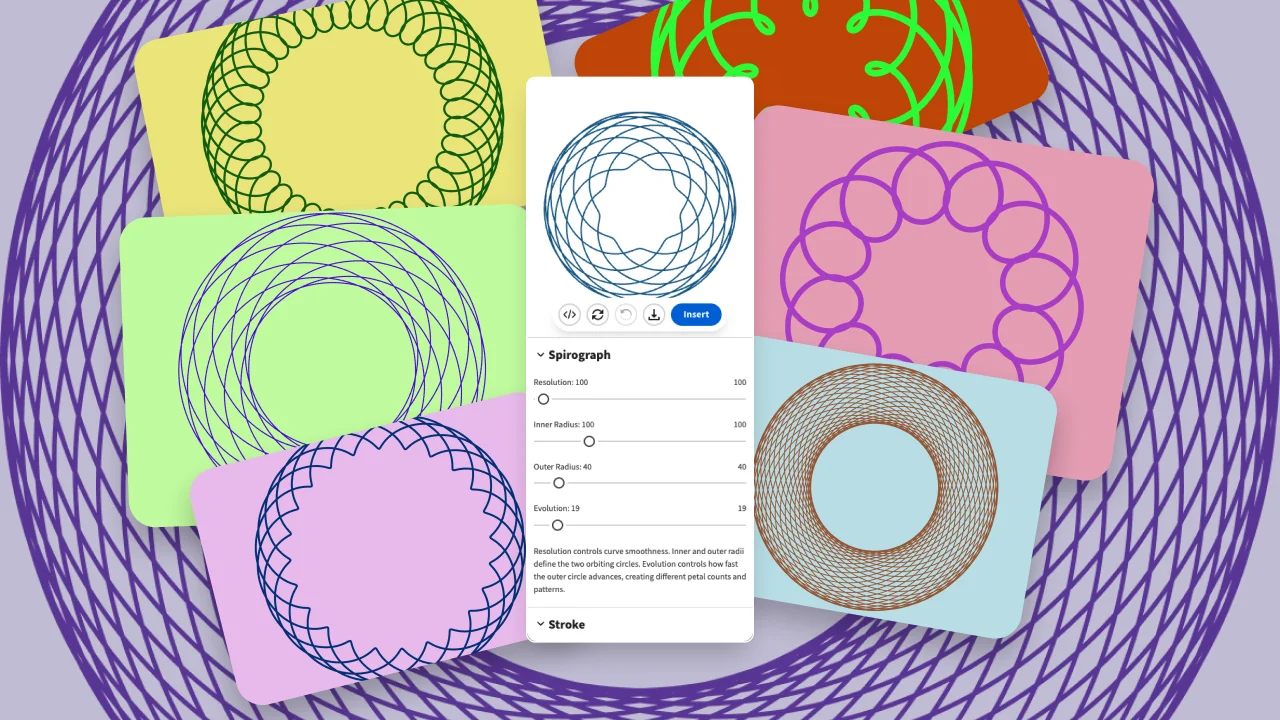
Spirograph Generator
Spirograph Generator creates mesmerizing spirograph curves with full parameter control, ready to insert into your canvas — in seconds.
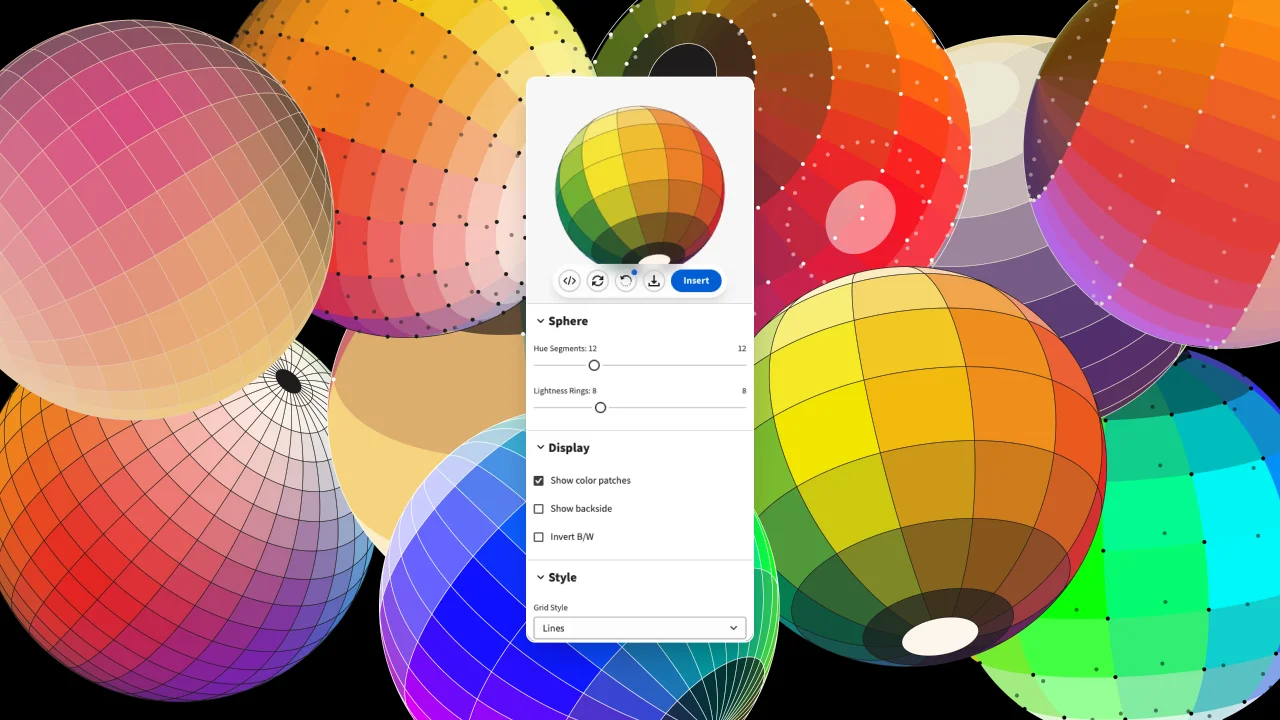
SVG Color Sphere Generator
SVG Color Sphere Generator creates stunning 3D-looking color spheres and orbs as scalable SVG graphics, directly on your canvas — in seconds.
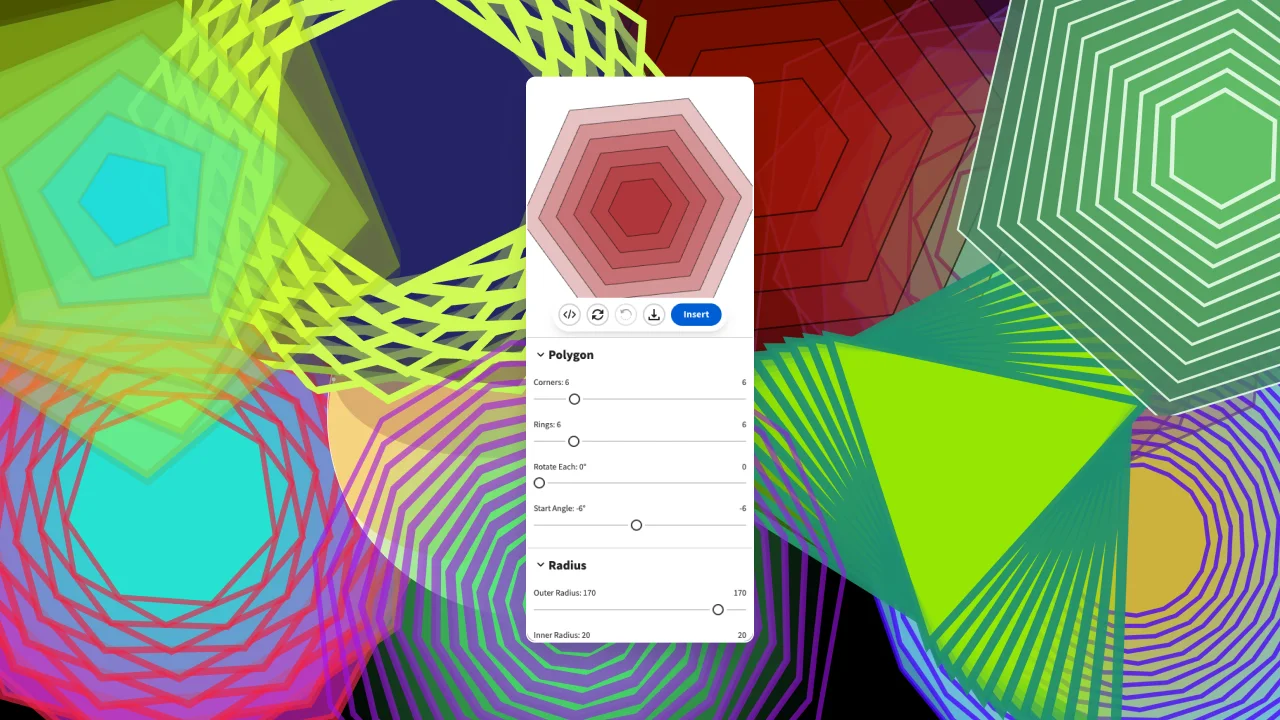
Radial Generative Polygon
Radial Generative Polygon creates intricate radially-symmetric polygon designs directly on your canvas — in seconds.
Figma Plugins
Arc Plotter
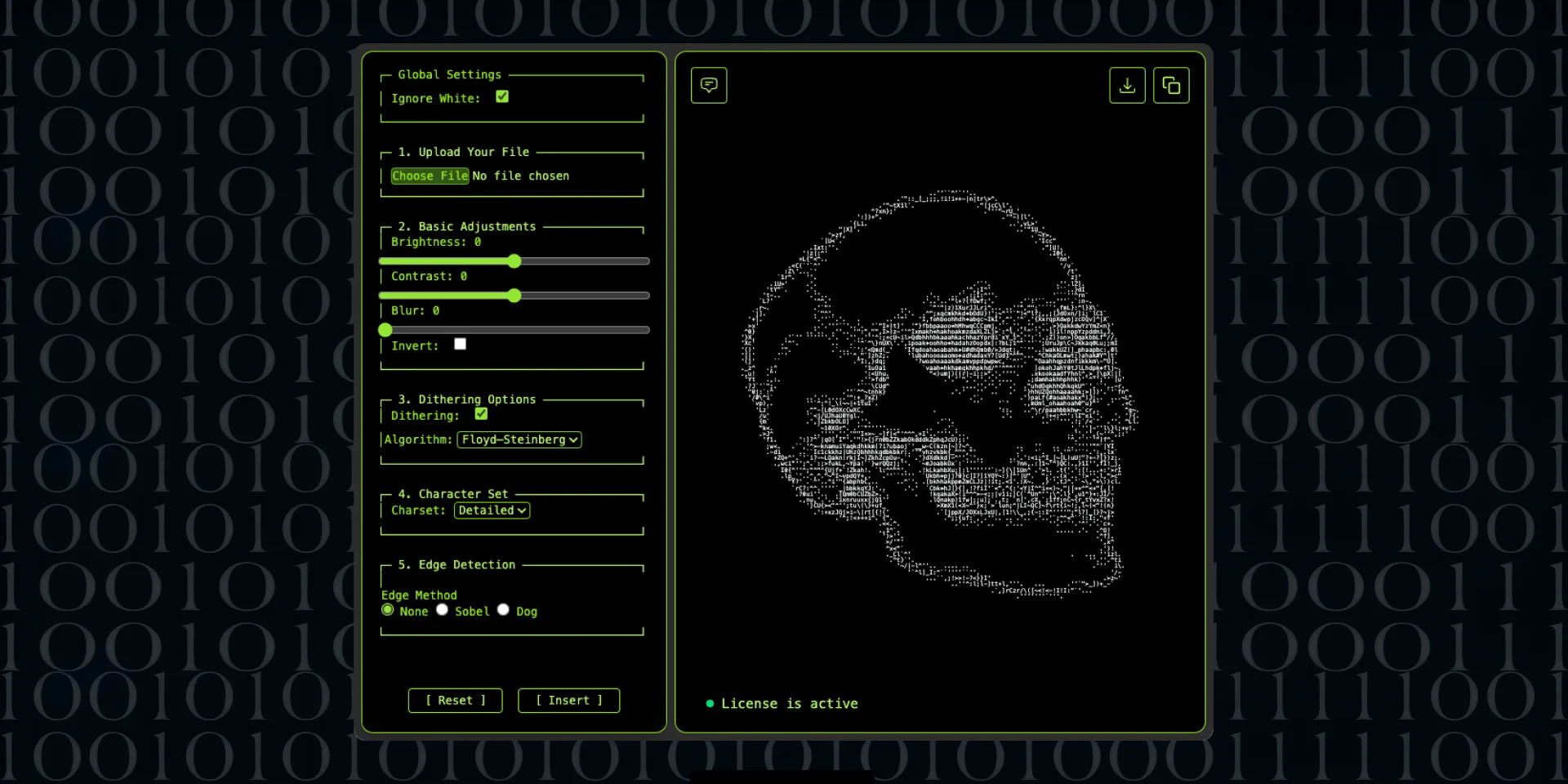
ASCII Art Generator Figma plugin
Camo SVG Pattern Generator
Clip Path Generator
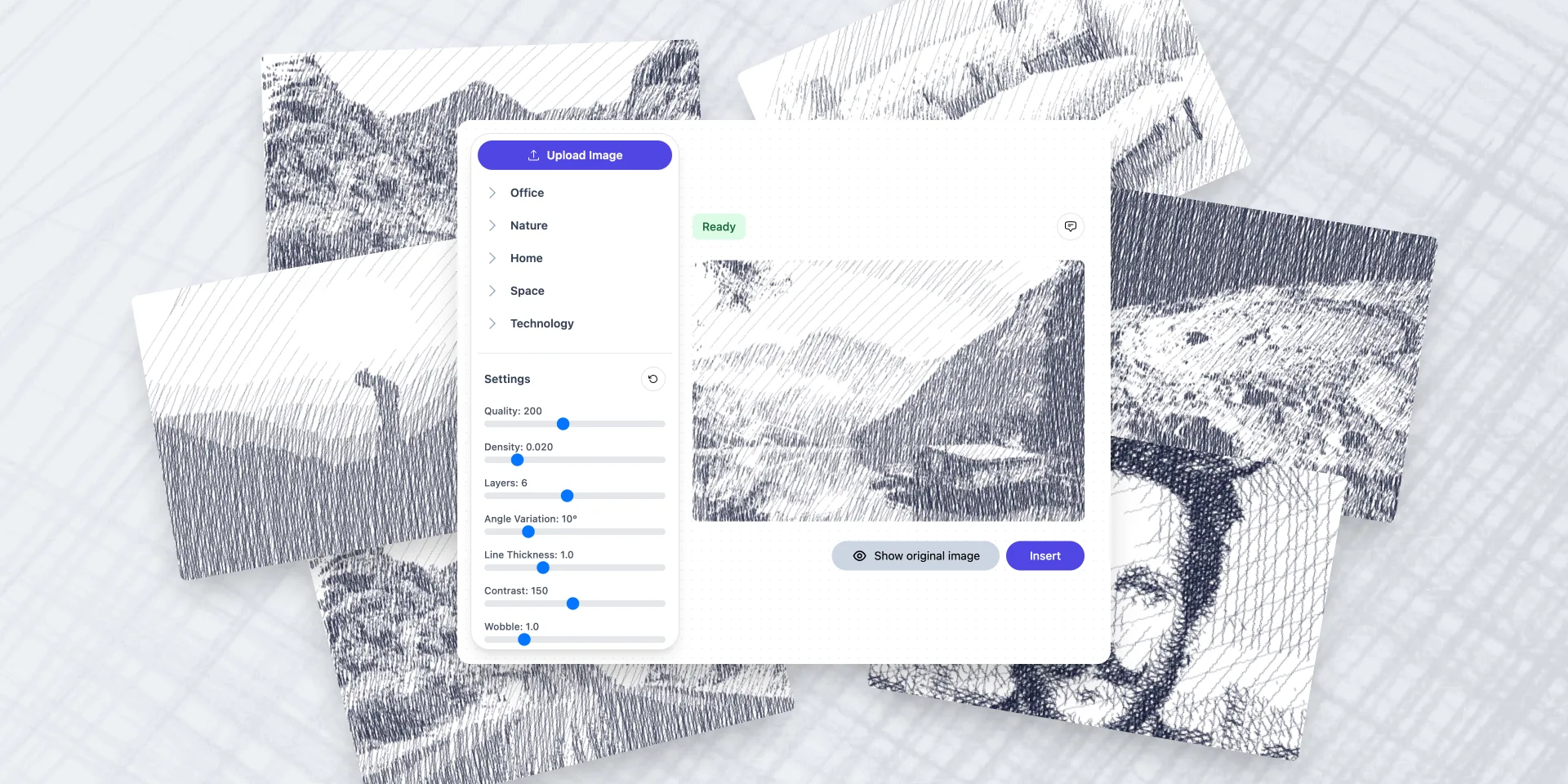
Crosshatch Image Effect Generator
Dither Studio
Emoji Background Generator
Fancy Text Generator
Figma to Plugin API

Figma to React Bootstrap
Figma to Tailwind CSS AI
Figma to Tailwind CSS
File Thumbnails Generator
Flower Generator
Galaxy Background Generator
Generative Poster
Generative SVG Noise Generator
Geo Particle SVG Generator
Geometric Tile Pattern SVG Generator

Iconiverse

Ikonate to Figma
Invoice Gen Z
Liquid Metal Generator
Lorem Picsum to Figma
Mandala Generator
Neumorphism Shadow Generator
PageGenius Pro
Pattern Over Pixels
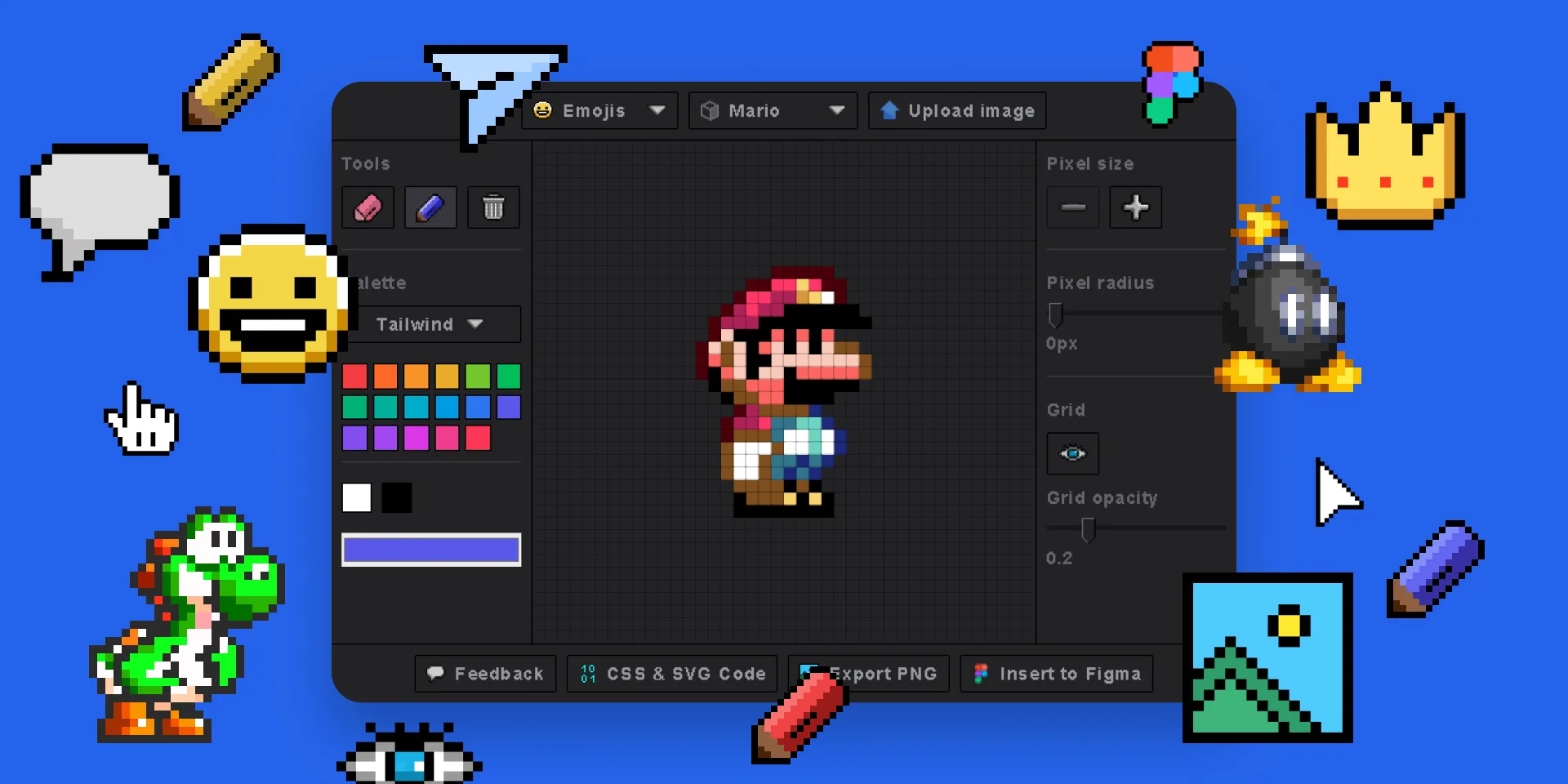
Pixel Art Generator
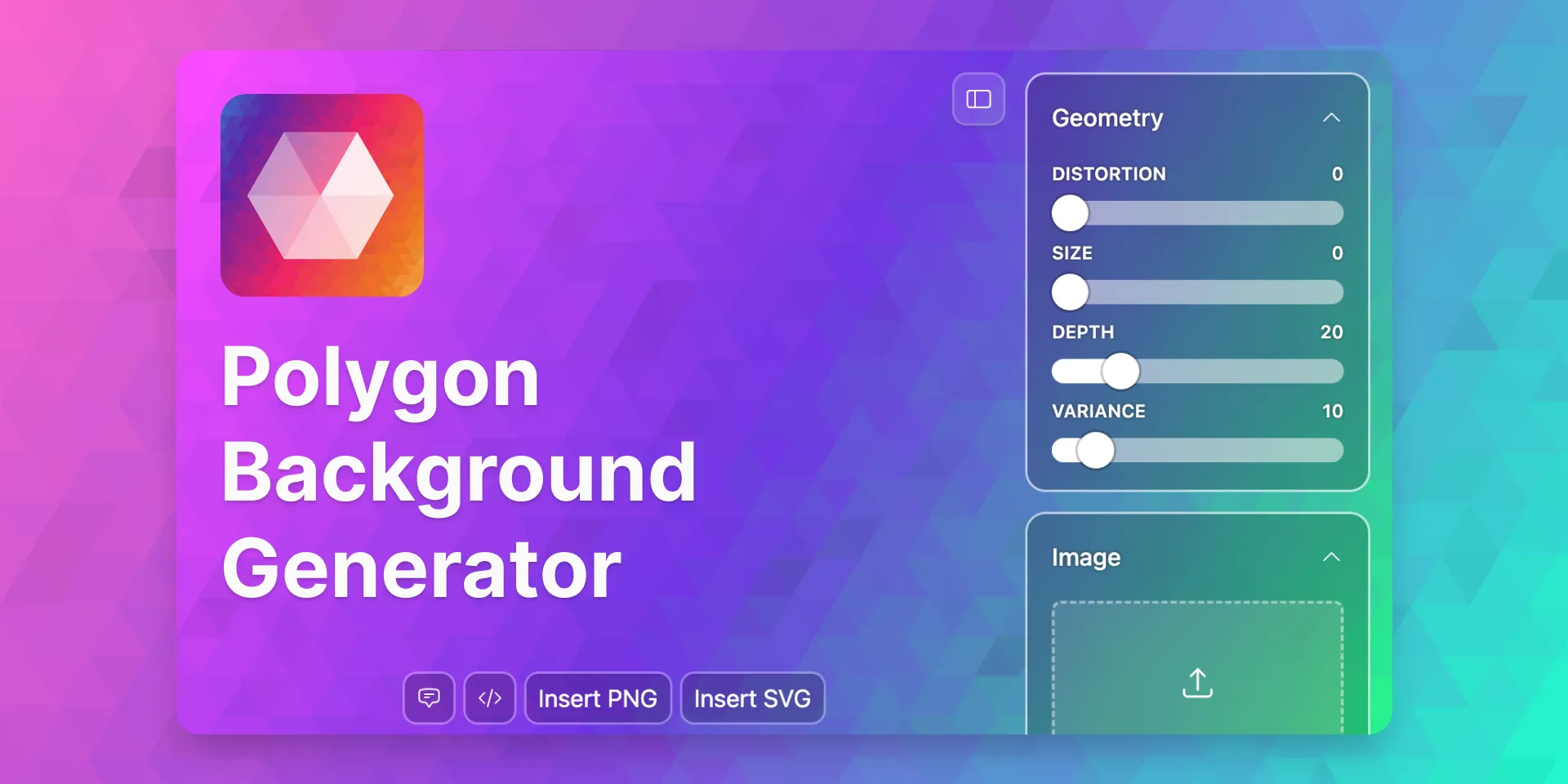
Polygon Background Generator
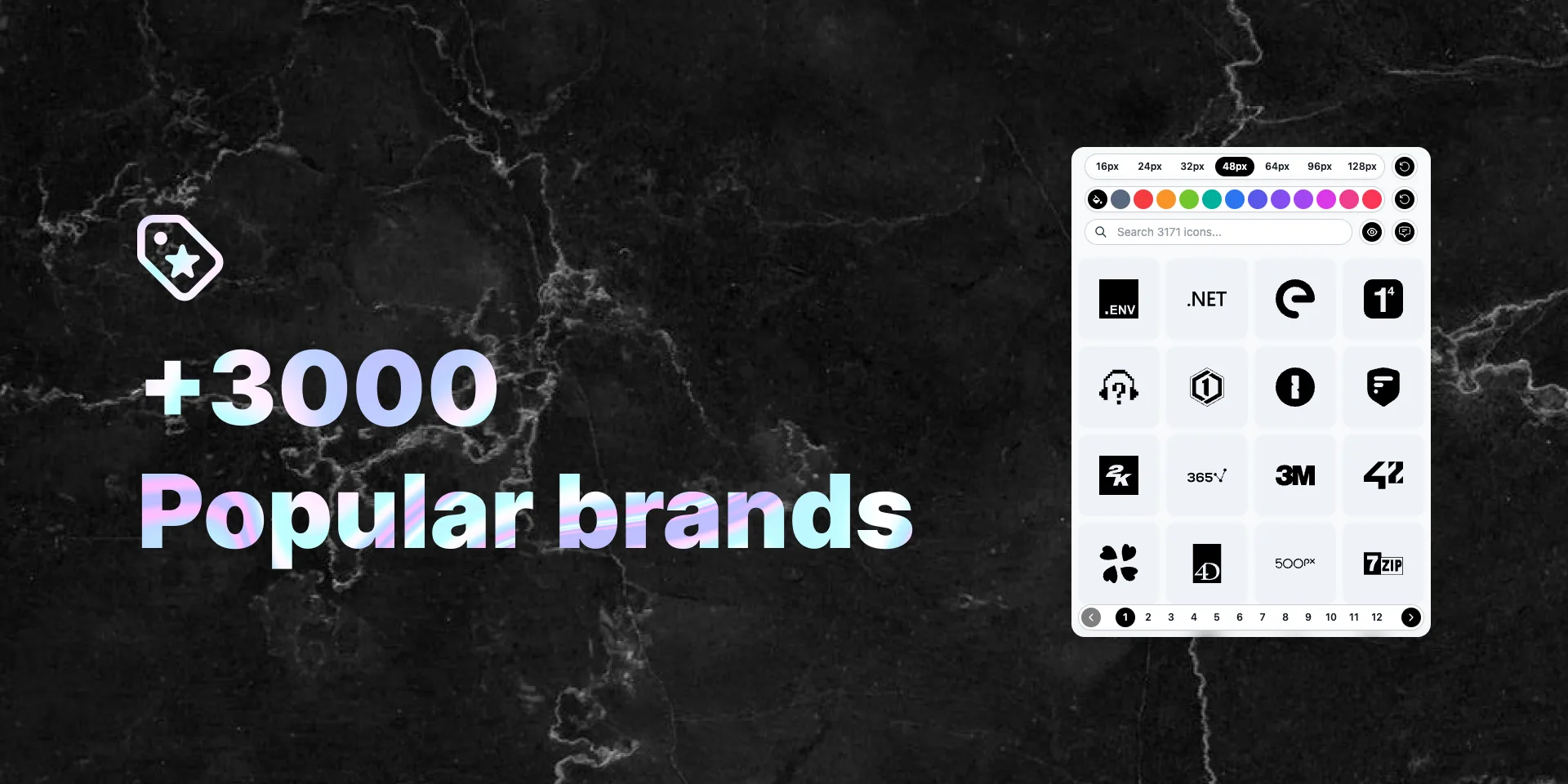
Popular Brand Logos
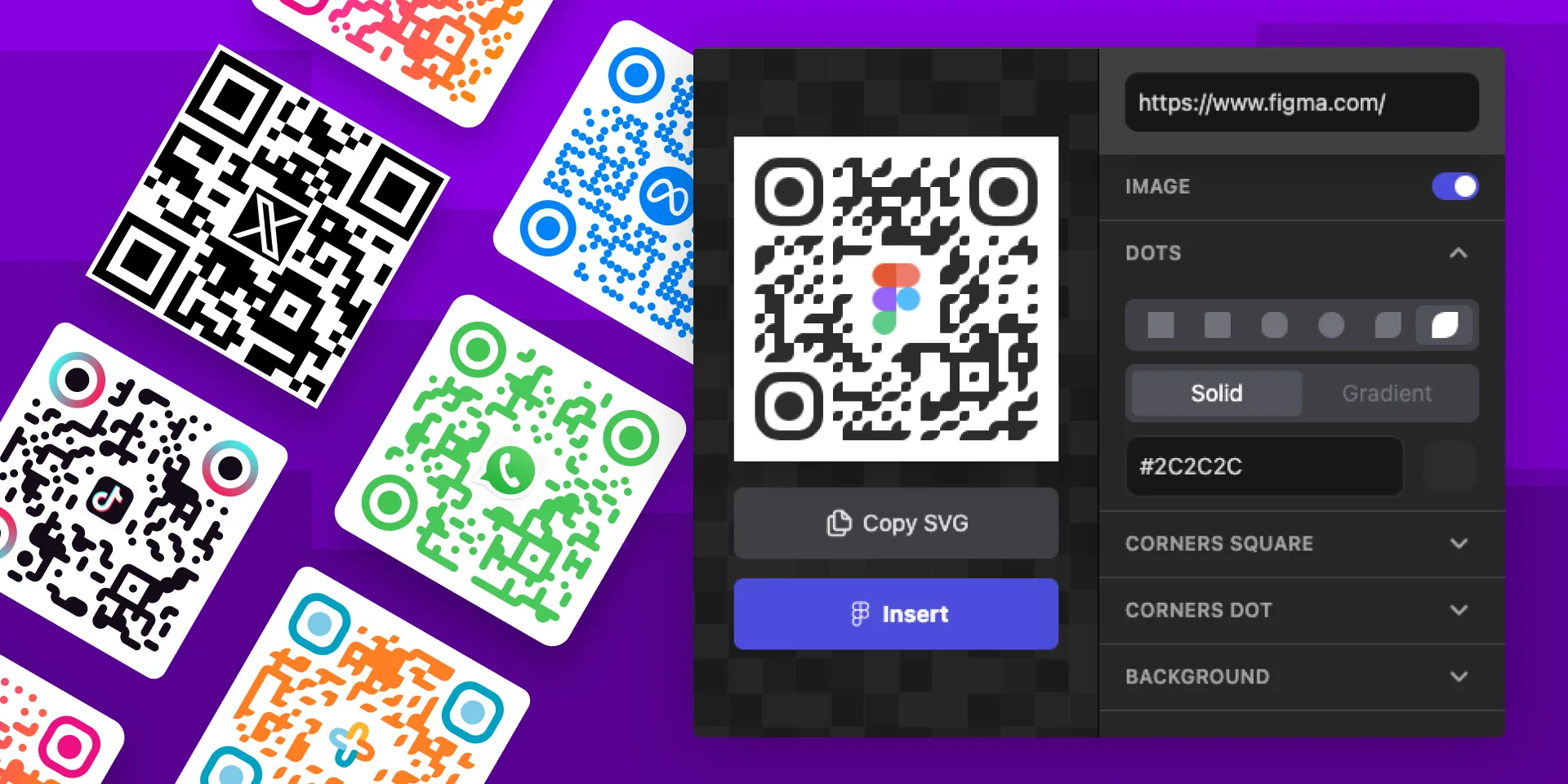
QR Code Gen Z
Seamless Waves Generator
Spirograph Generator
SVG Color Sphere Generator
SVG Patterns
Radial Generative Polygon
Tailwind Blocks
Tech Stack & Design Stack Icons
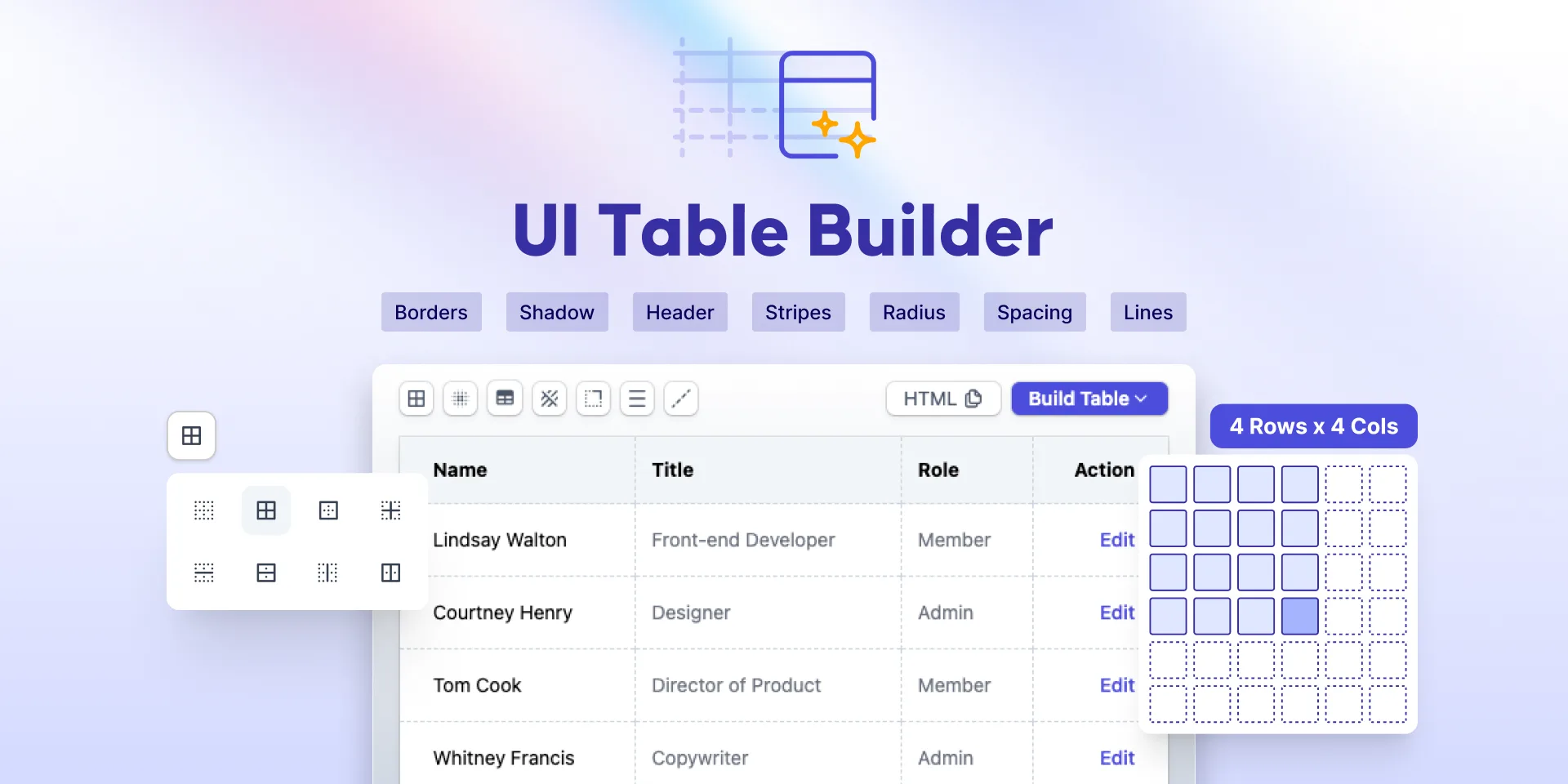
UI Table Builder
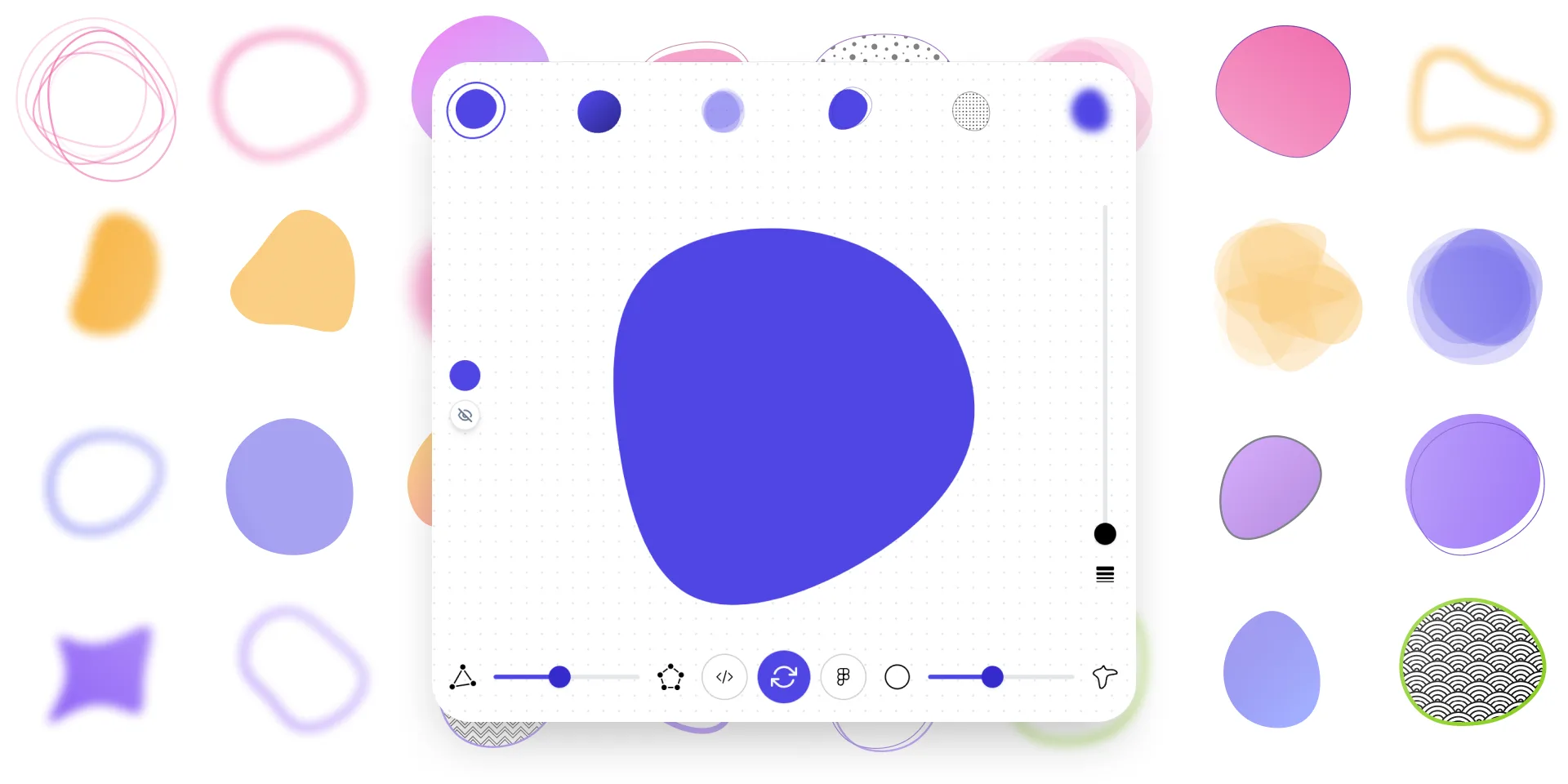
Ultimate Blob Maker Designer
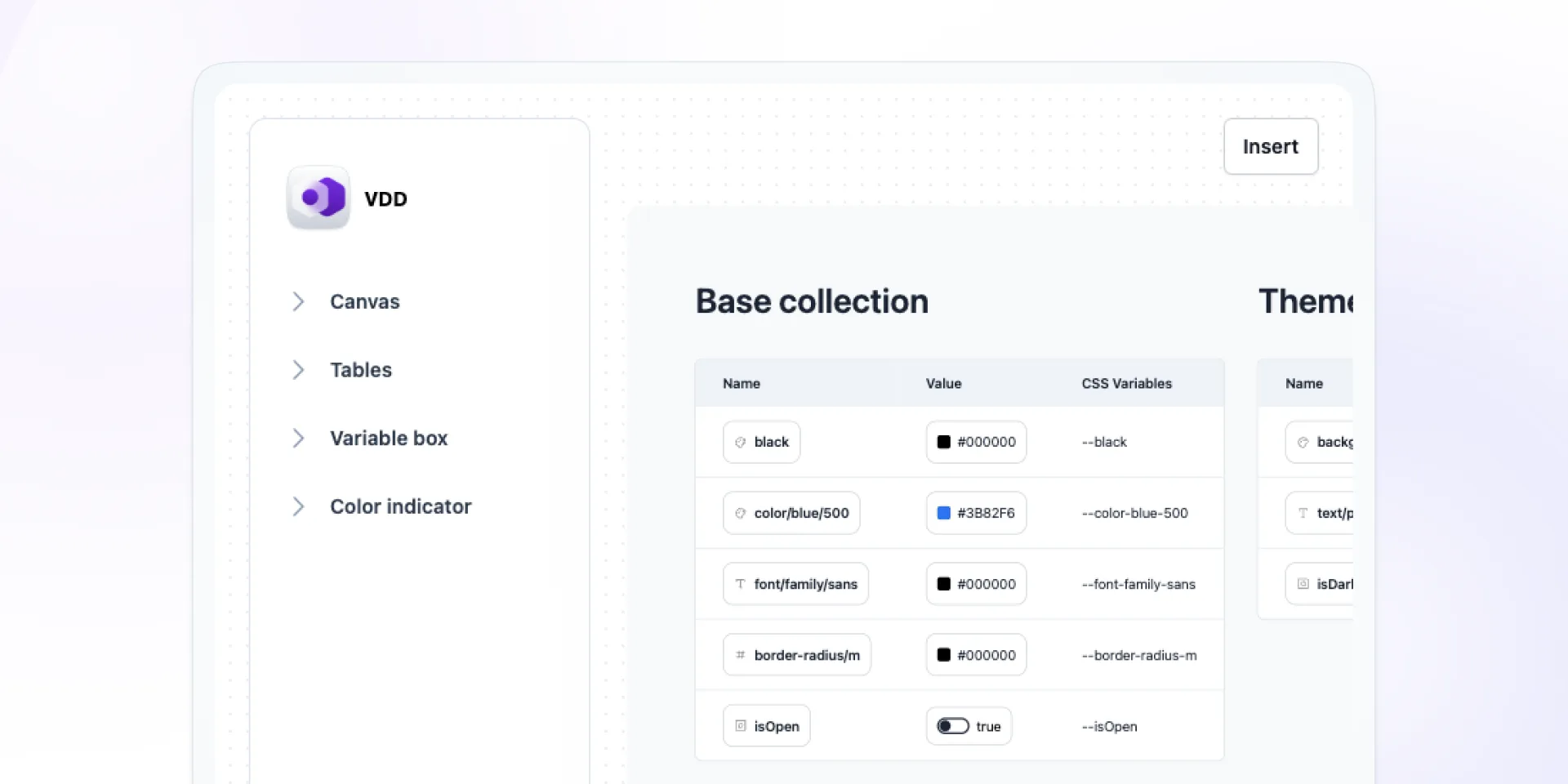
Variables Doc Designer
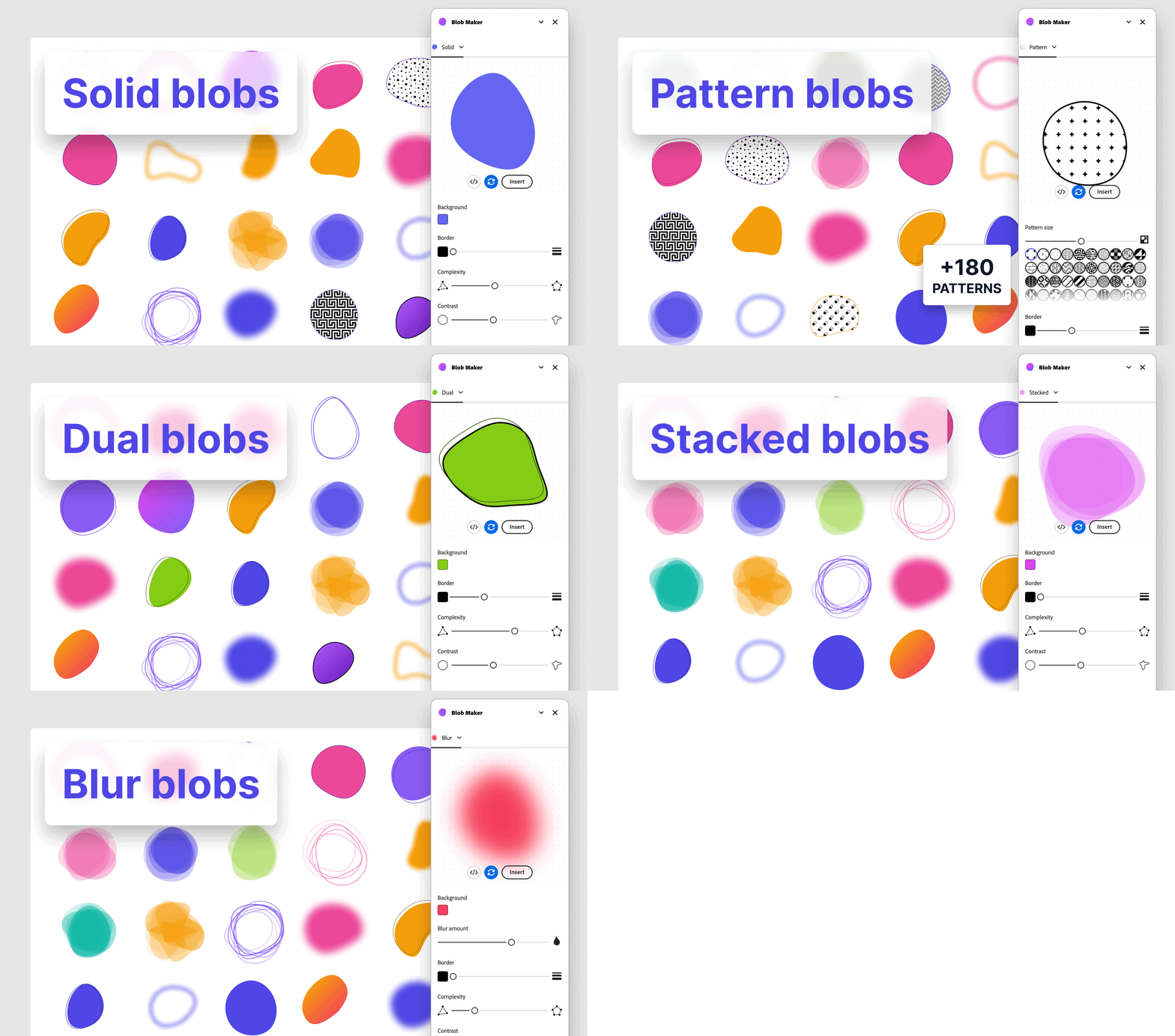
Add-ons for Adobe Express
Blob Maker
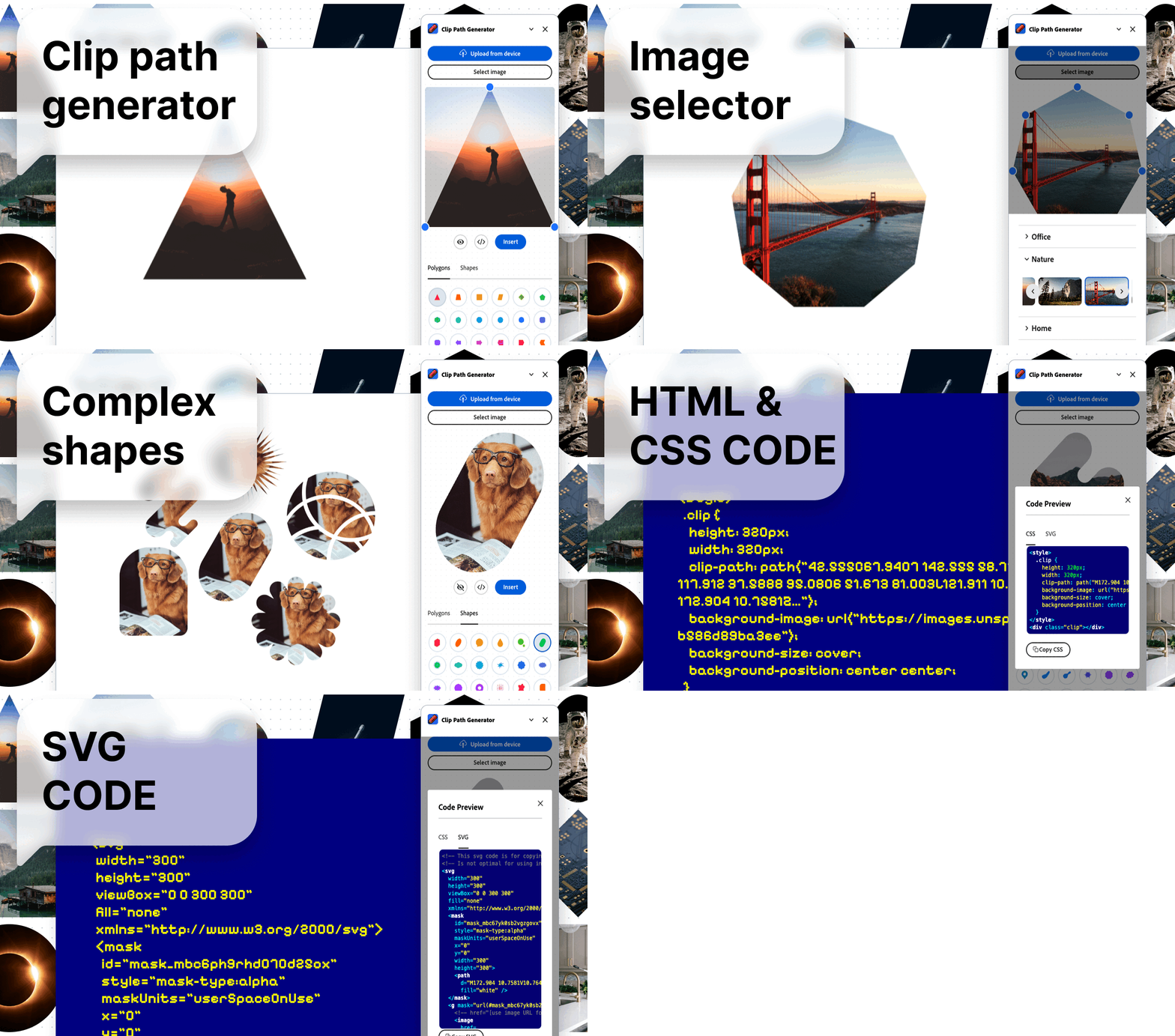
Clip path generator
Liquid Metal Generator
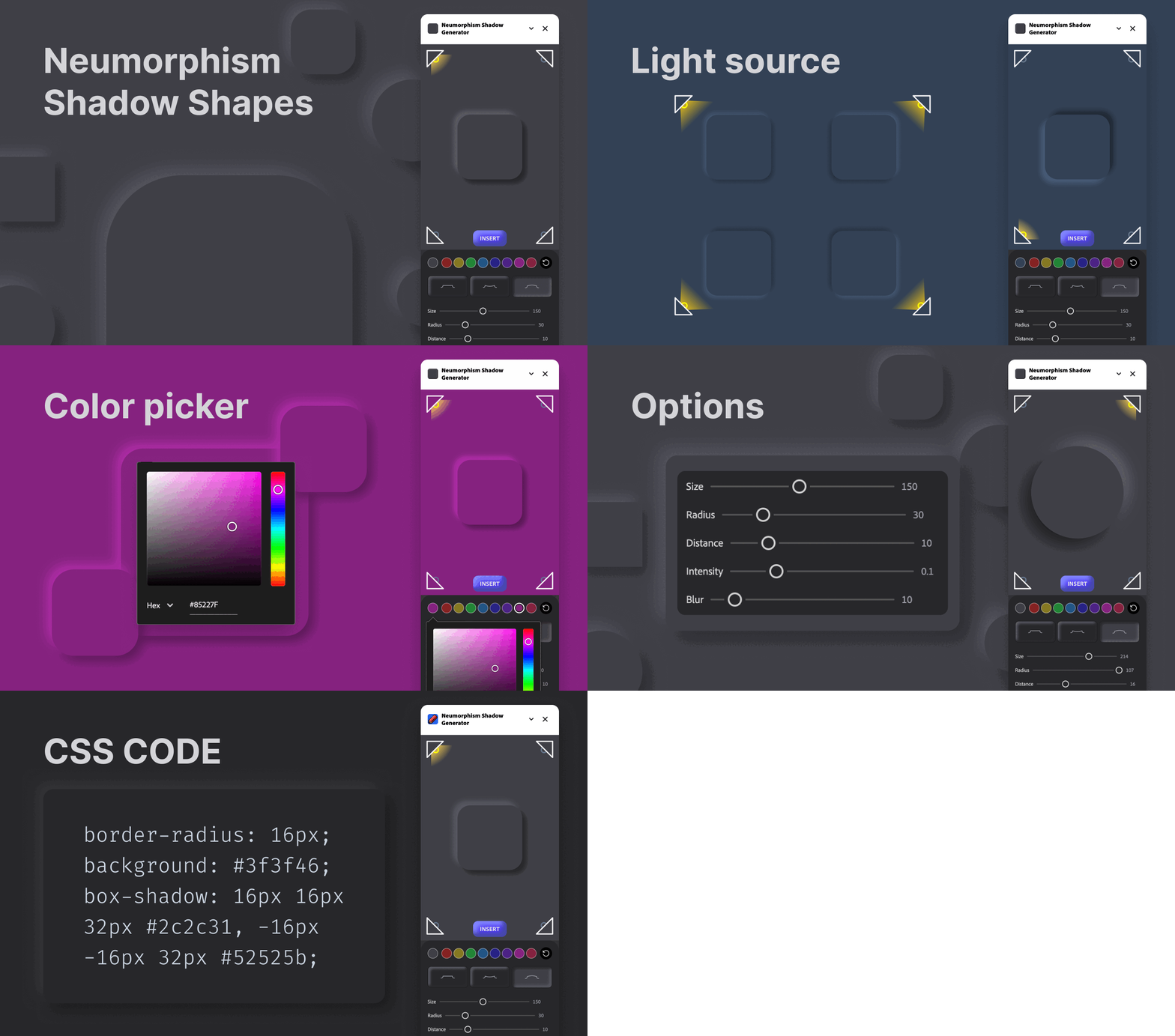
Neumorphism Shadow Generator
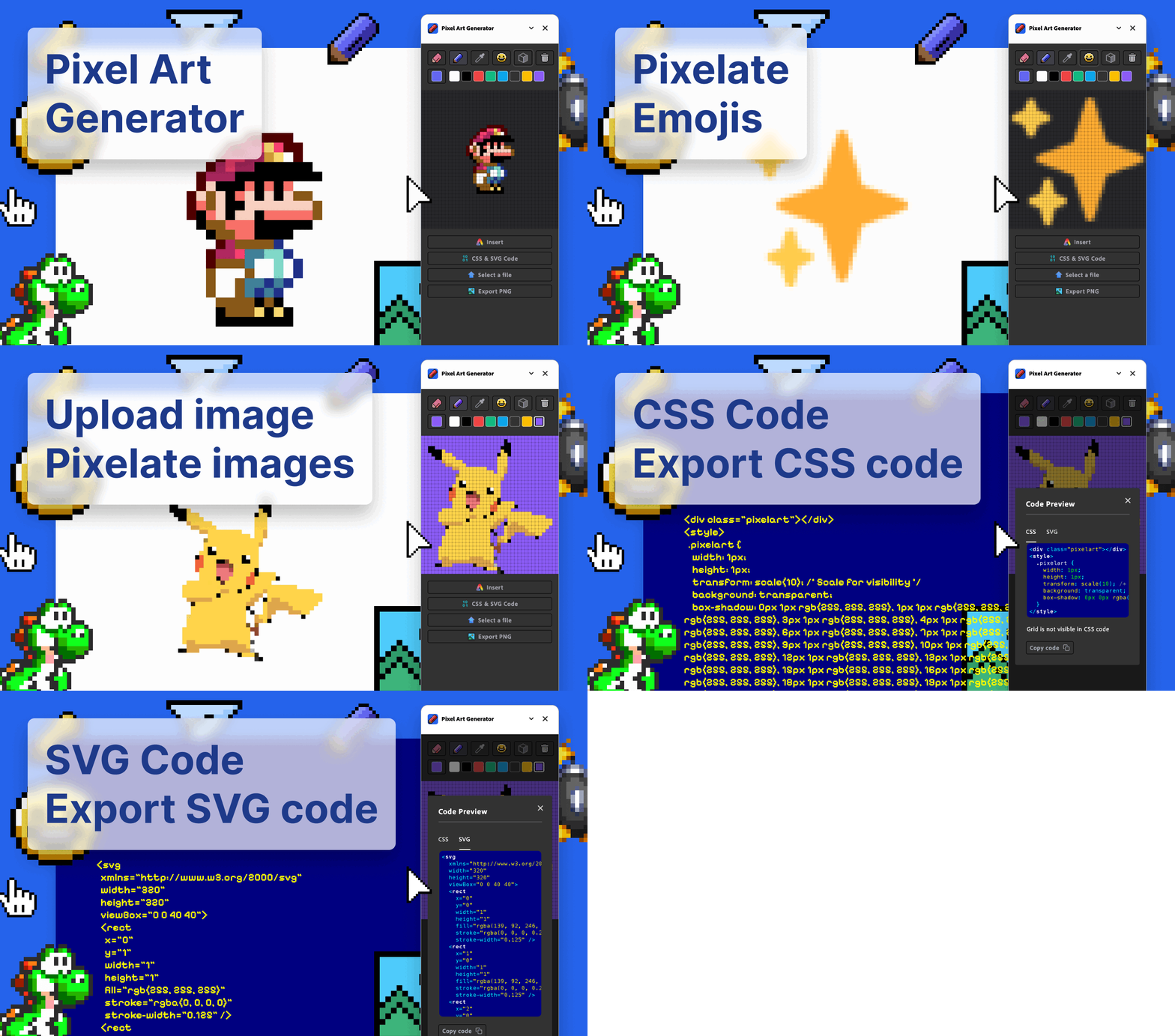
Pixel Art Generator
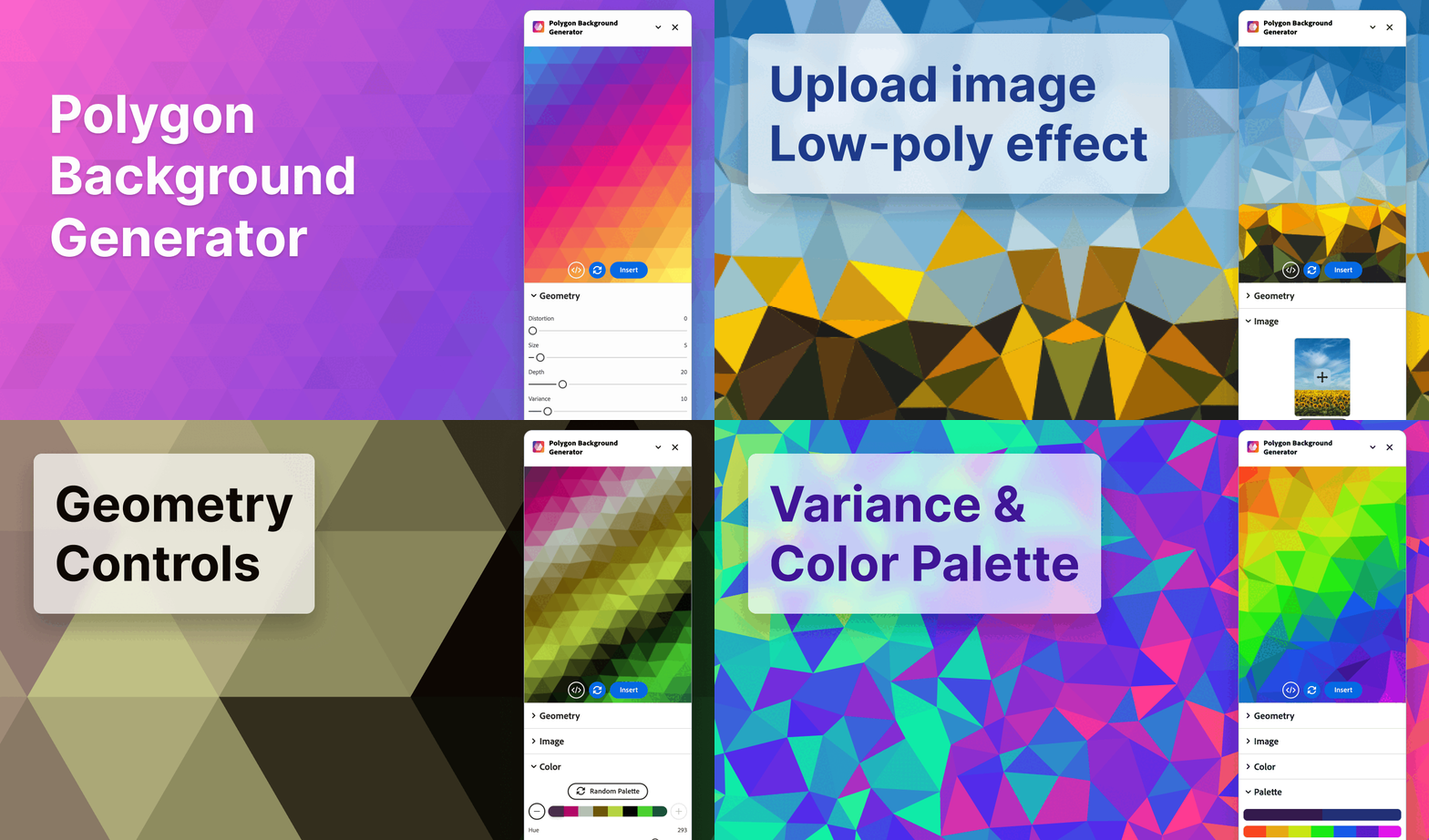
Polygon Background Gen Z
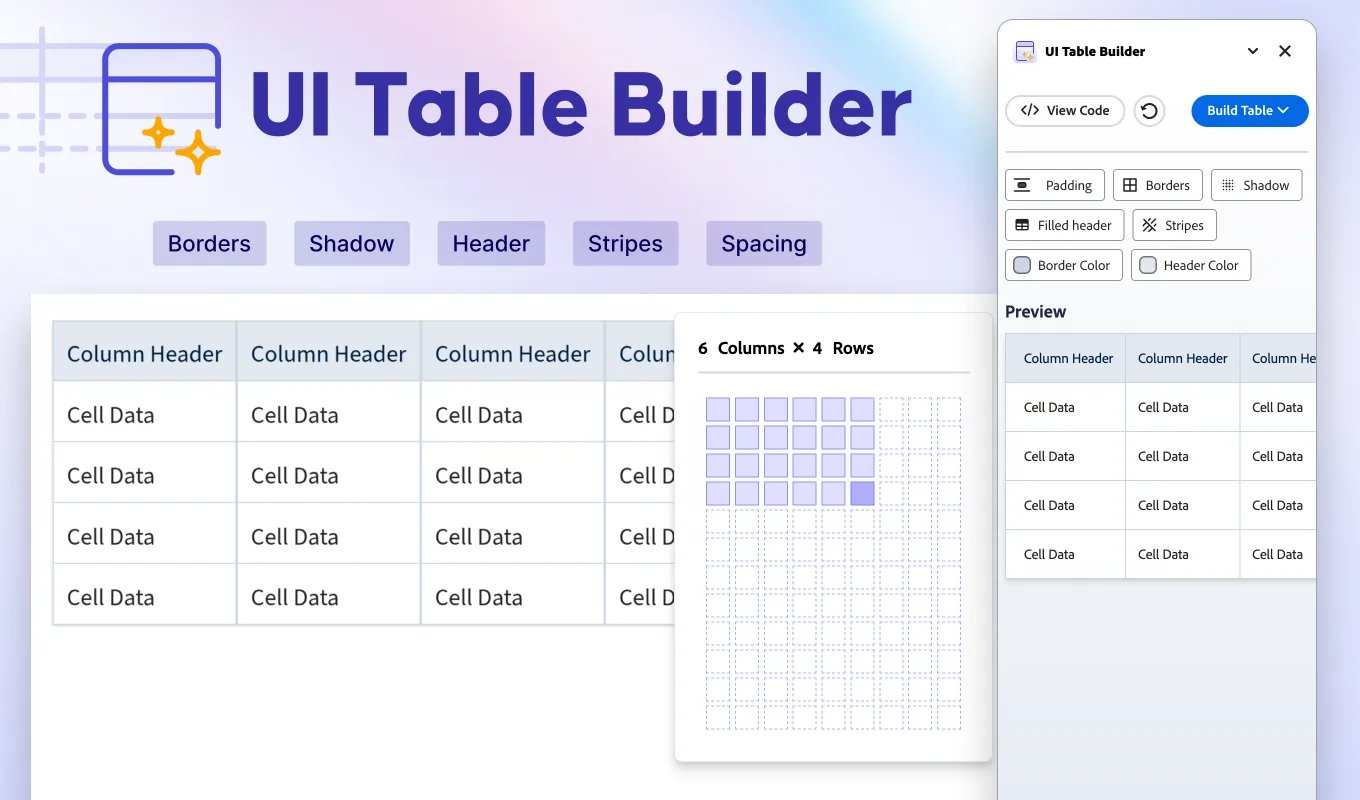
UI Table Builder
Miro Apps
Blob Maker
Clip Path Generator
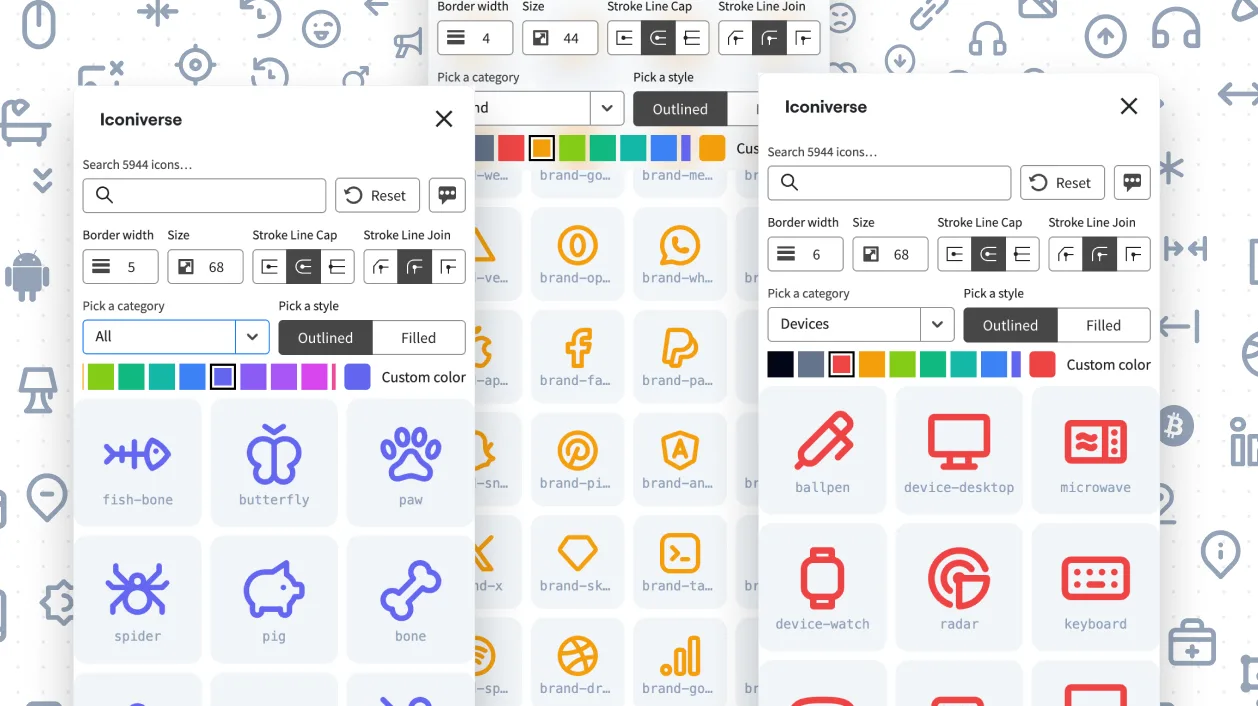
Iconiverse
Liquid Metal Generator
Neumorphism Shadow Generator
Pixel Art Generator
Polygon Background Generator
Tech Stack & Design Stack Icons