Tech Stack Icons for React
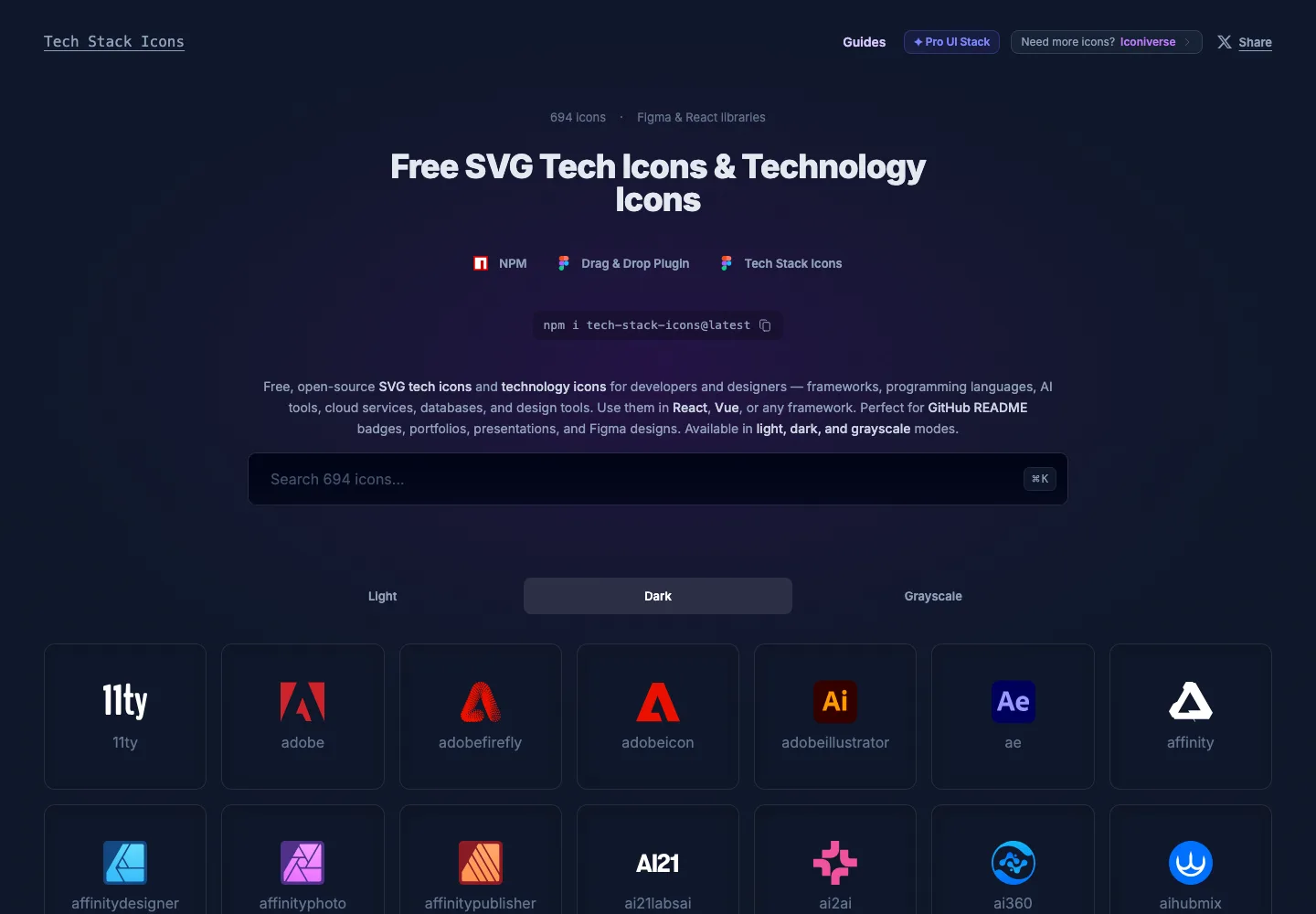
Use Tech Stack Icons to show technology stacks, frameworks, developer tools and design services in React. The component accepts a typed icon name and light, dark or grayscale variants.
Install
npm install tech-stack-icons
Or use your preferred package manager:
pnpm add tech-stack-icons
yarn add tech-stack-icons
Basic usage
import StackIcon from "tech-stack-icons";

export default function Example() {
  return (
    <div style={{ width: 40, height: 40 }}>
      <StackIcon name="nextjs" variant="dark" />
    </div>
  );
}
Compatibility
React and React DOM 18.2 or 19, as declared by the published package. The version checked for this page is 3.7.1. The npm package page lists the latest release, README and full API.
Explore the library
Browse Tech Stack Icons to explore available icon names and variants.
Explore the related website, or browse all Plus UI npm packages.


