Iconiverse Svelte
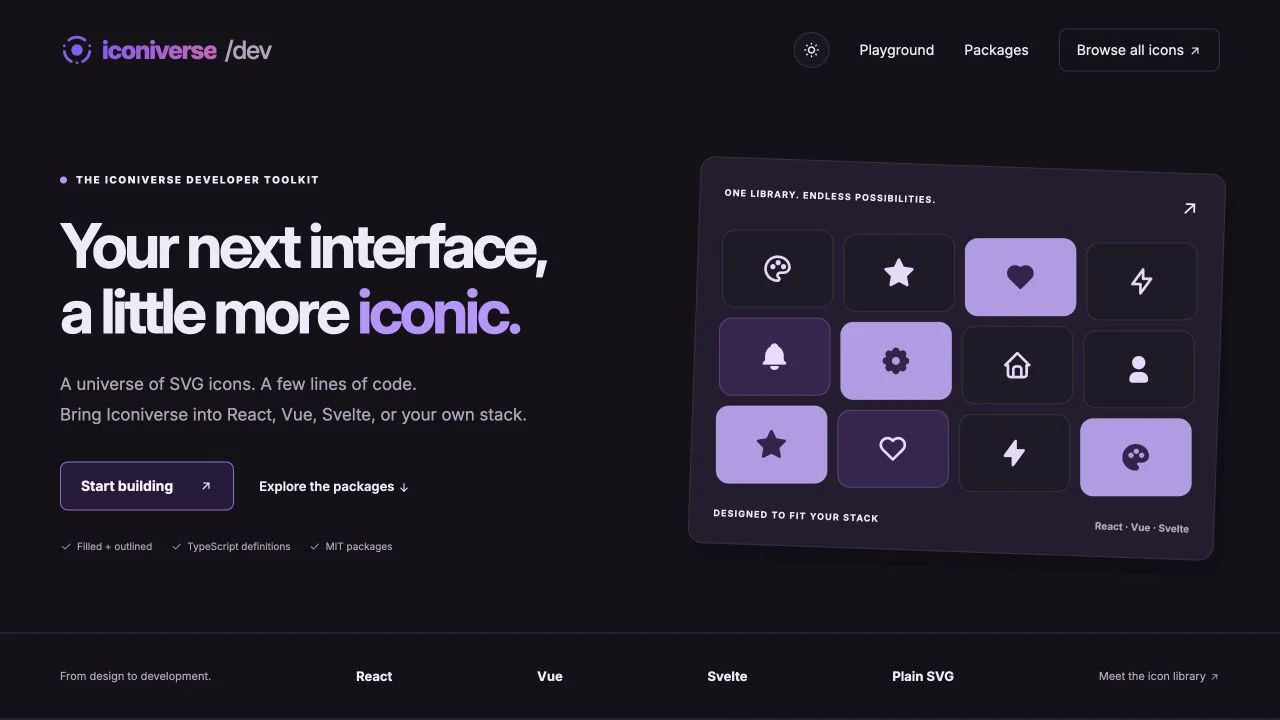
Add filled and outlined Iconiverse components to a Svelte application. Keep icon sizes and colors consistent across your interface using component props.
Install
npm install @plusuidesign/iconiverse-svelte
Or use your preferred package manager:
pnpm add @plusuidesign/iconiverse-svelte
yarn add @plusuidesign/iconiverse-svelte
Basic usage
<script>
  import { HeartFilled } from "@plusuidesign/iconiverse-svelte";
</script>

<HeartFilled size={32} color="#8b5cf6" aria-label="Favorite" />
Compatibility
Svelte 4 or 5, as declared by the published package. The version checked for this page is 0.1.2. The npm package page lists the latest release, README and full API.
Explore the library
Try the Iconiverse playground to preview icons and generate framework examples. Browse the icon library.
Explore the related website, or browse all Plus UI npm packages.


