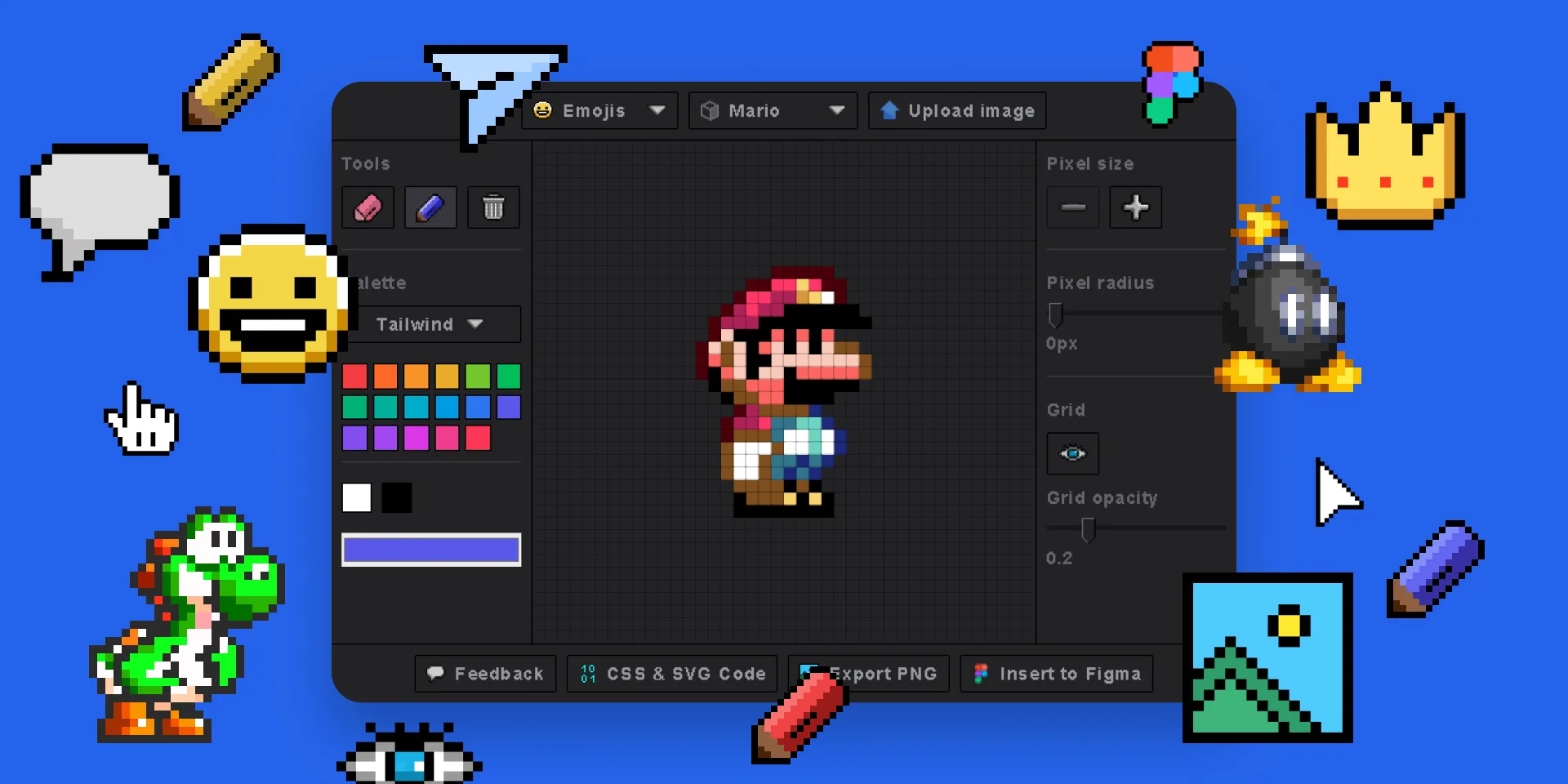
Why Use This Figma Pixel Art Plugin?
🎨 Draw Pixel Art in Figma
Built-in pixel drawing tool with 3 preset color palettes and a custom color picker. Create original pixel art without leaving Figma.
📷 Image to Pixel Art
Upload any image (JPG, PNG, GIF) and convert it to pixel art instantly. Control pixel grid size for the perfect level of detail.
🌟 Emoji to Pixel Art
Choose any emoji and the plugin converts it into editable pixel art. Great for game assets, avatars, and icons.
🔗 Native Figma Integration
Insert fully editable SVG vectors directly onto your Figma canvas. Every pixel is a real vector element you can edit, color, and scale.
Complete Feature List
Free Features
- 🖌️ Draw pixel art directly in the plugin
- 🌟 Choose emojis and turn them into pixel art
- 🖼️ 3 preset color palettes
- 🎨 Custom color picker
- 🎨 Add radius to pixels (rounded/circular)
- 🔳 Show/hide grid lines
- 📏 Adjustable pixel grid size
Pro Features
- 🖼️ Insert fully editable SVGs into Figma
- 📷 Upload images and pixelate instantly
- 📥 Export to PNG from the plugin
- 💾 View & copy SVG code
- 💾 View & copy HTML/CSS code
- 🔄 Lifetime updates included
Figma Pixel Art Plugin vs Alternatives
How does the Pixel Art Generator compare to other pixel art tools?
| Feature | Pixel Art Generator | Other Pixel Art Tools |
|---|---|---|
| Works inside Figma | ✅ Yes | ❌ External apps |
| Draw from scratch | ✅ Yes | ⚠️ Some |
| Image to pixel art | ✅ Yes (Pro) | ⚠️ Some |
| Emoji conversion | ✅ Yes | ❌ No |
| SVG vector output | ✅ Editable in Figma | ❌ Usually raster only |
| CSS/HTML export | ✅ Yes | ❌ No |
| Adobe Express version | ✅ Available | ❌ No |
| Pricing | Free Trial + One-time Pro + Subscription (Monthly & Yearly) | Monthly subscription |
Frequently Asked Questions
Install the Pixel Art Generator plugin from the Figma Community. Open it from your Plugins menu, and you can immediately start drawing pixel art, uploading images to pixelate, or converting emojis into pixel art.
Yes! The basic features including drawing pixel art and emoji conversion are completely free. Pro features like image upload, PNG export, and SVG code are available with a one-time purchase — no subscription.
Absolutely! With the Pro version, upload any JPG, PNG, or GIF image and the plugin will pixelate it instantly. Adjust the pixel grid size to control the level of detail.
You can insert editable SVG vectors directly onto your Figma canvas, export as PNG, or copy SVG and HTML/CSS code for use in web projects.
Yes! The Pixel Art Generator is also available as an Adobe Express add-on with similar features including drawing, emoji conversion, image upload, and export options.
Get the Figma Pixel Art Plugin
Free to install. Start creating pixel art in seconds.