How to Convert Images to Pixel Art
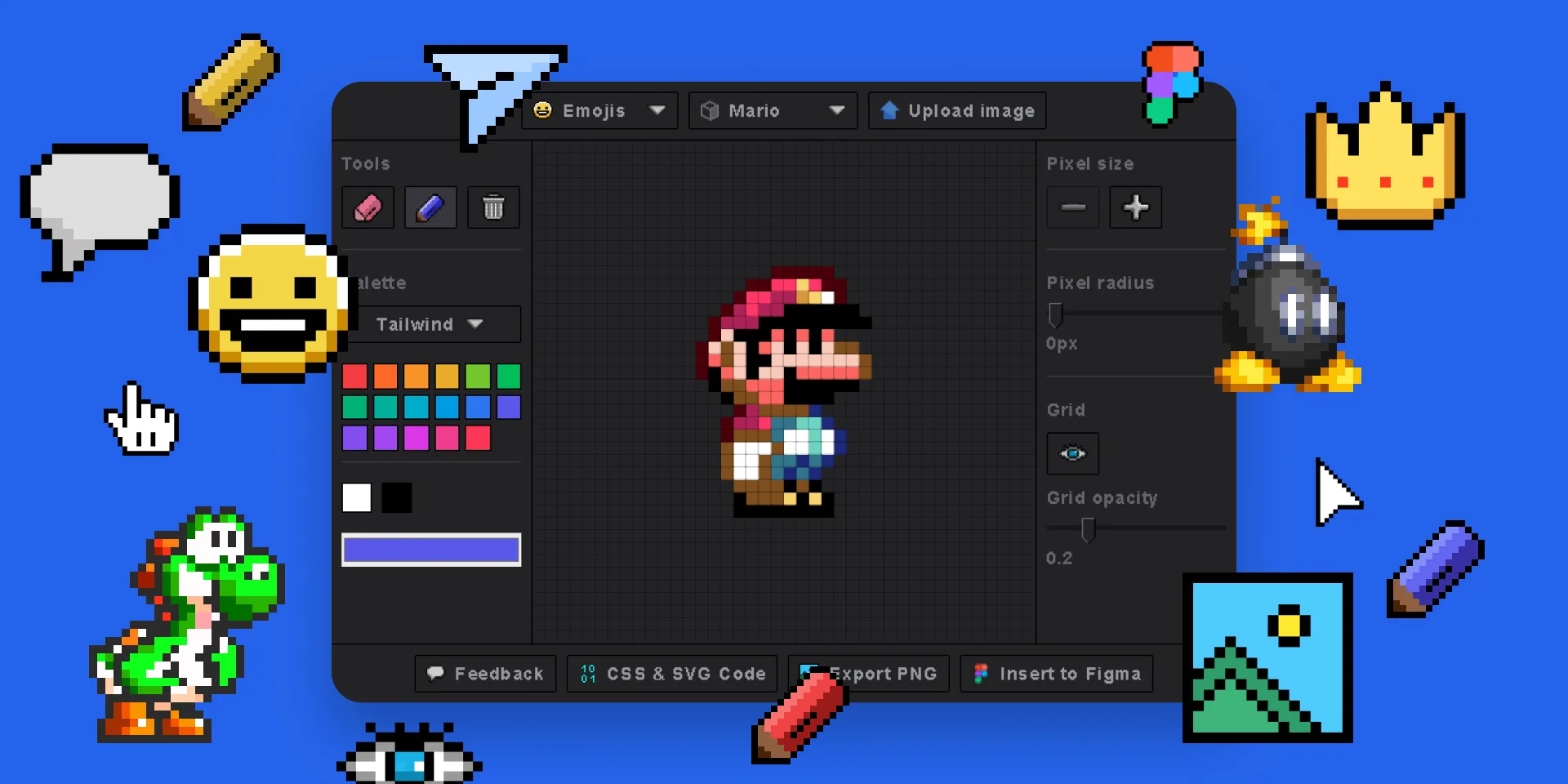
Transform any photo or image into stunning pixel art in three simple steps.
1. Upload Your Image
Select any JPG, PNG, or GIF from your device, or pick an emoji to pixelate.
2. Customize Settings
Adjust pixel grid size, choose color palettes, add border radius for rounded pixels, toggle grid lines.
3. Export & Use
Export as PNG, SVG, or HTML/CSS code. Insert editable vectors directly into Figma.
Features
🖌️ Draw Pixel Art from Scratch
Use the built-in pixel drawing tool to create original pixel art directly in the plugin. Choose from preset color palettes or use a custom color picker.
🌟 Emoji to Pixel Art
Choose any emoji and instantly convert it into editable pixel art. Perfect for creating game assets, avatars, and icons.
📷 Image to Pixel Art Converter
Upload any image and watch it transform into pixel art instantly. Control the pixel grid size for the perfect level of detail.
🎨 Customizable Pixel Styles
Add border radius to pixels for rounded or circular designs. Show or hide grid lines. Use 3 preset palettes or custom colors.
📥 Multiple Export Formats
Export to PNG directly from the plugin. View and copy SVG or HTML/CSS code for use in web projects.
🔗 Figma & Adobe Express
Available as a Figma plugin and Adobe Express add-on. Insert fully editable SVG vectors onto your canvas.
Use Cases for Pixel Art
🎮 Game Development
Create retro-style game sprites, characters, and environments. Export pixel art as SVGs for scalable game assets.
👤 Avatars & Profile Pictures
Turn photos into pixelated avatars for social media, forums, or gaming profiles.
🖼️ NFT & Digital Art
Design unique pixel art collections for digital art marketplaces and NFT projects.
🎨 Design Mockups
Add pixel art elements to Figma design files for retro-themed UI designs and presentations.
📱 App Icons
Create pixel-style app icons and UI elements with precise grid control.
🎓 Learning & Education
Teach pixel art fundamentals with an interactive, visual tool — great for workshops and classrooms.
Available On Multiple Platforms
Figma Plugin
The full-featured Pixel Art Generator for Figma. Draw, pixelate images, convert emojis, and insert editable SVGs directly into your Figma canvas.
Get Figma Plugin Learn MoreAdobe Express Add-on
Pixel Art Generator with export, emoji & image tools — built for Adobe Express. Insert pixel art directly into your Express projects.
Buy Add-on Learn MoreFrequently Asked Questions
Start Creating Pixel Art Now
Free to use. No account required.