Whether you're designing interfaces, creating graphics, or converting designs to code, the right Figma plugins can save you hours of work. Here are the best Figma plugins to boost your productivity in 2026.
🎮 Creative & Visual Effect Plugins
These plugins help you create unique visual effects, pixel art, patterns, and artistic elements directly in Figma.
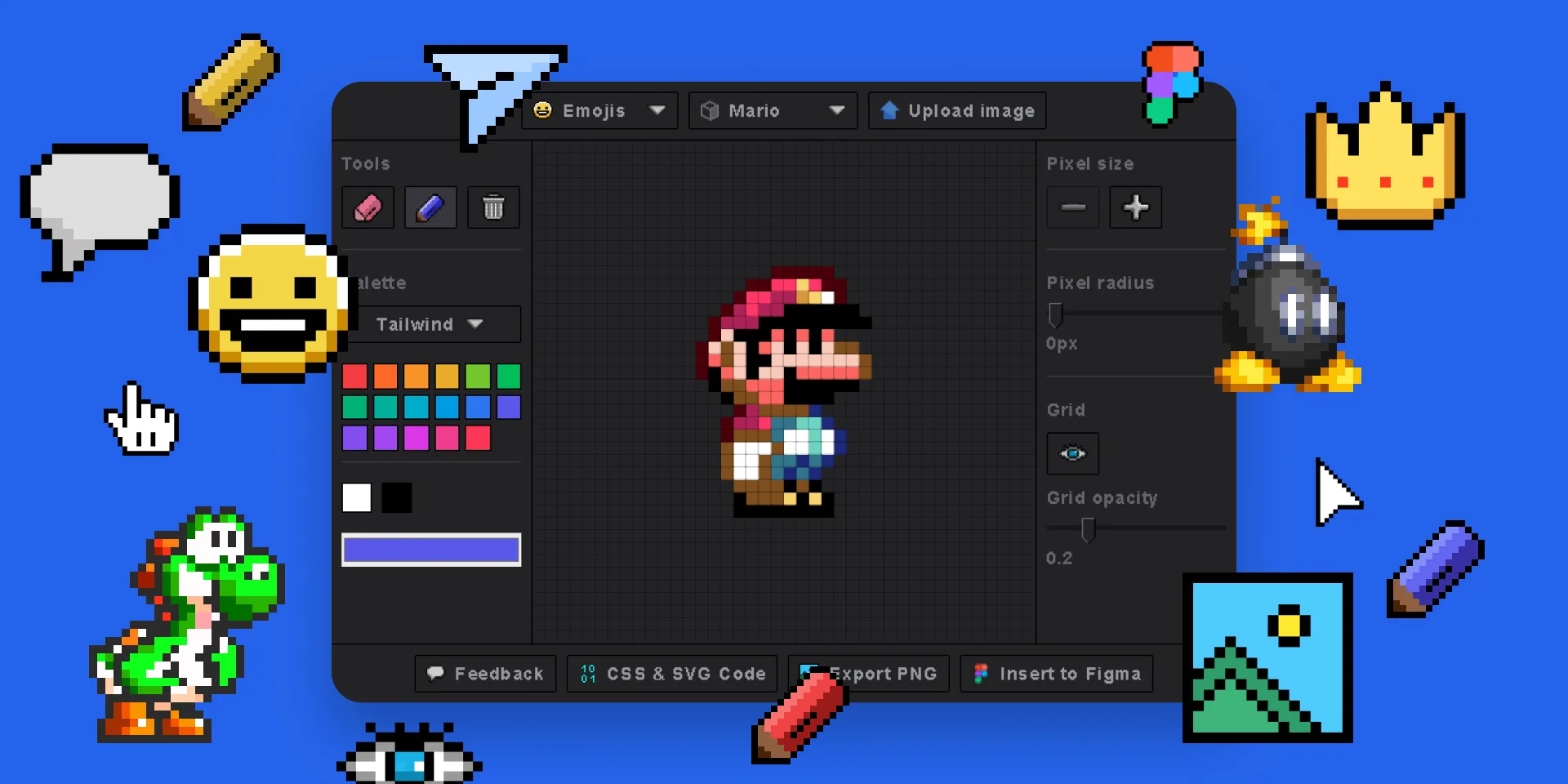
1. Pixel Art Generator
Transform images into pixel art, draw from scratch, or convert emojis into pixelated designs. Export as SVG, PNG, or HTML/CSS code.
- Draw pixel art with built-in tools
- Upload images and pixelate instantly
- Convert emojis to pixel art
- Export as SVG, PNG, or HTML/CSS
- Customizable grid size and color palettes
2. Clip Path Generator
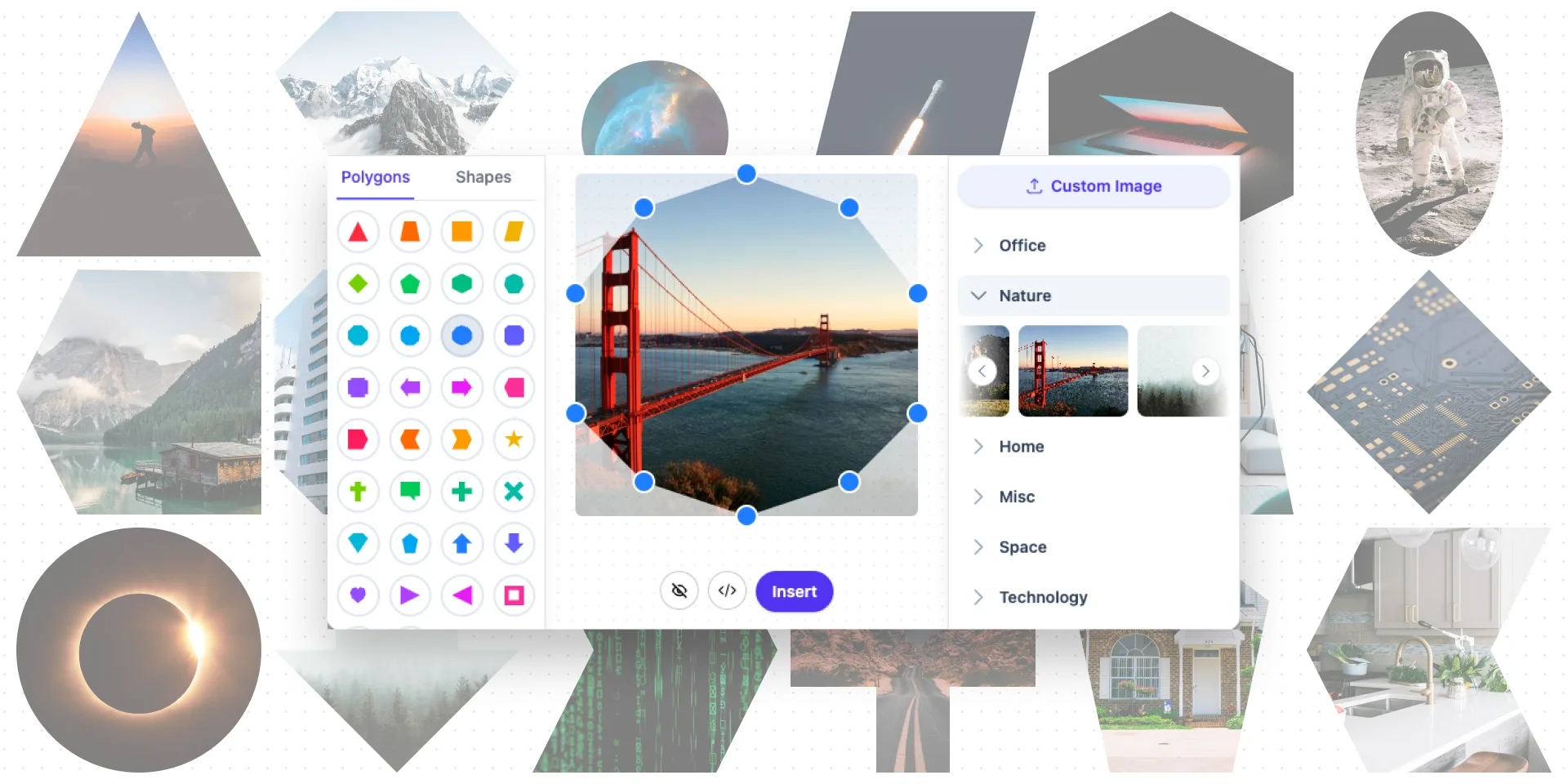
Create stunning CSS clip-path shapes with a visual editor and draggable handles. Generate clean CSS and SVG code instantly.
- Visual drag-and-drop shape editor
- Pre-built complex shapes (stars, arrows, frames)
- One-click CSS and SVG code copy
- Edit directly in CodePen
- Image gallery for previewing clip paths
3. Crosshatch Image Effect Generator
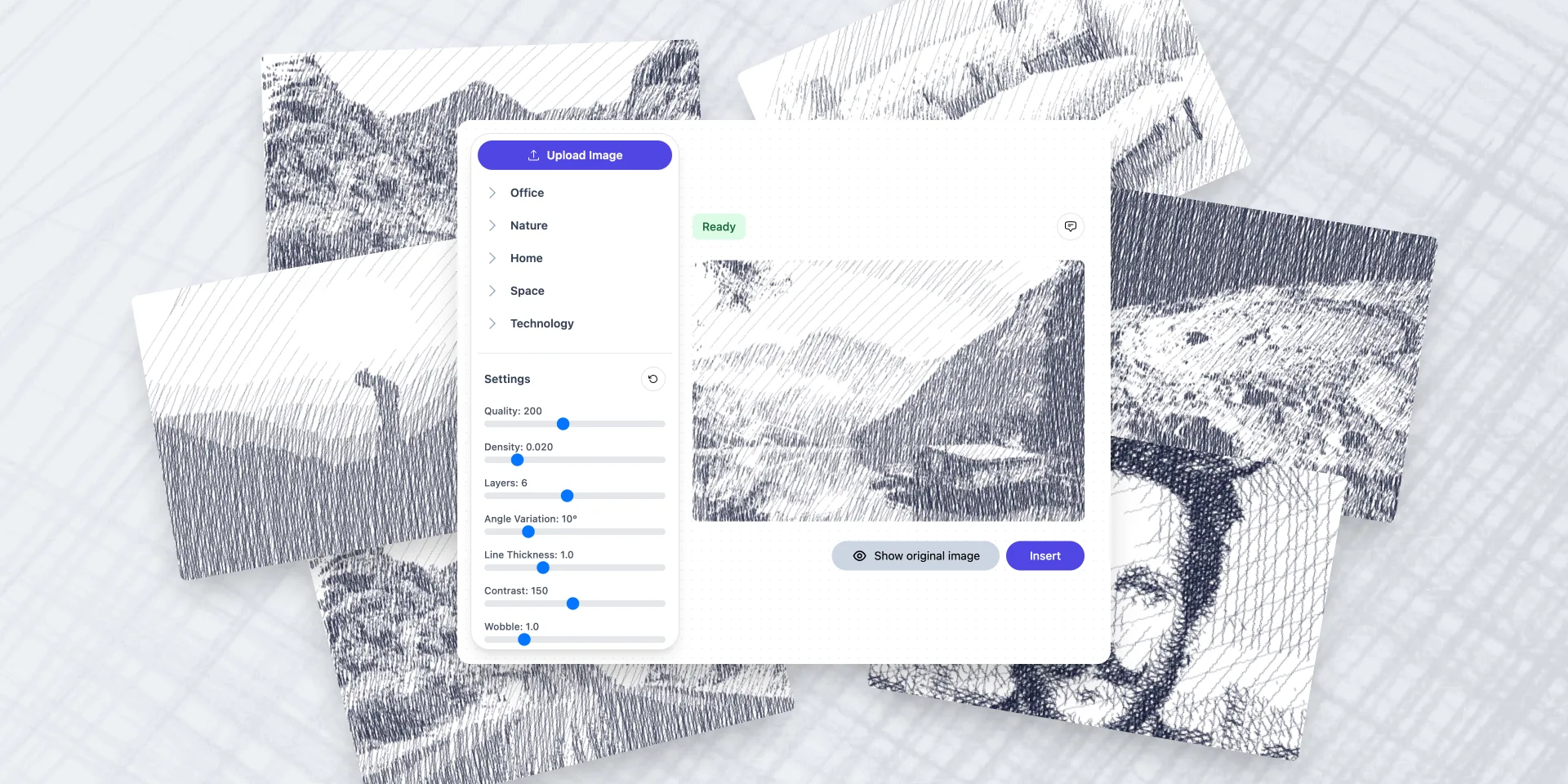
Generate crosshatch and hatching effects from images. Perfect for editorial illustrations, artistic effects, and vintage-style designs.
4. ASCII Art Generator
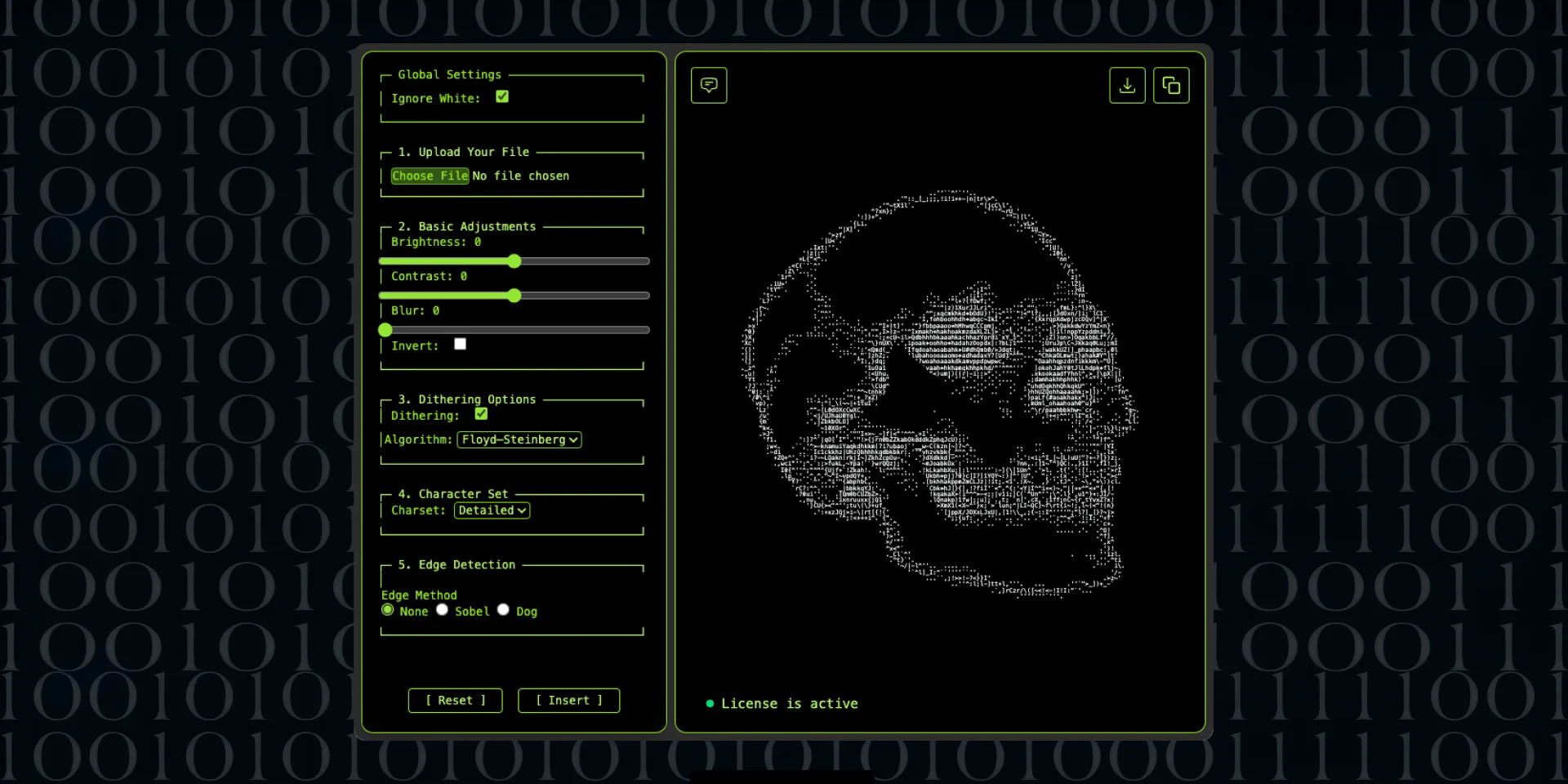
Convert images and text into ASCII art. Create retro terminal-style graphics and unique text-based design elements.
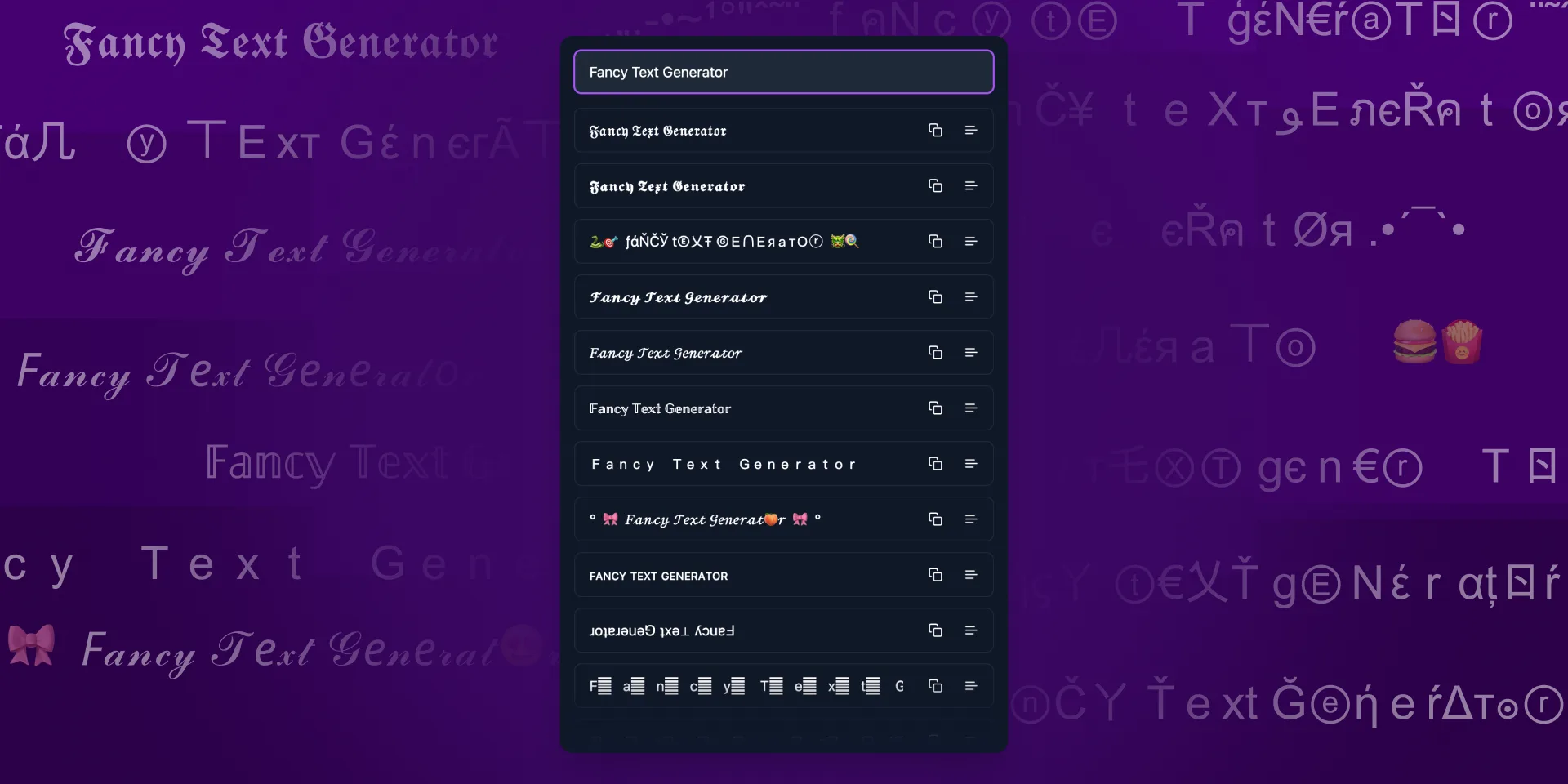
5. Fancy Text Generator
Create decorative text styles with unique fonts and effects. Perfect for headers, logos, and social media graphics.
🧩 Pattern & Background Plugins
Create professional patterns, backgrounds, and decorative elements without leaving Figma.
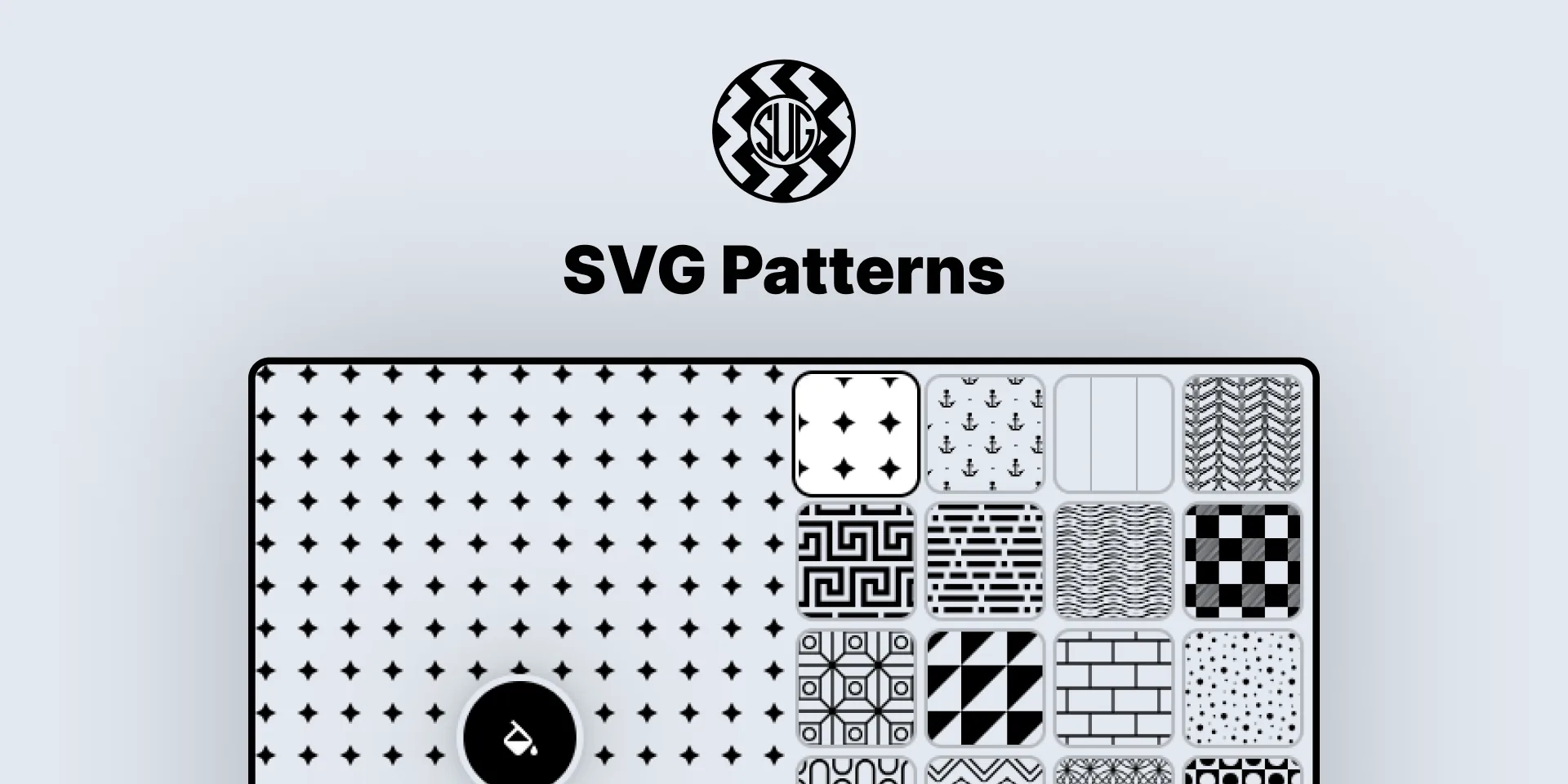
6. SVG Patterns
180+ real SVG seamless patterns. Insert directly as editable vectors. Customize colors, sizes, strokes — the only real SVG Patterns to Figma plugin.
- 180+ seamless patterns (growing library)
- Insert as real SVG editable vectors
- 500x500 repetitive tiles
- Fully customizable colors and strokes
7. Geometric Tile Pattern SVG Generator
Create beautiful, customizable geometric patterns. Export as PNG/SVG or insert directly into Figma. Smart generation with randomized settings or manual control.

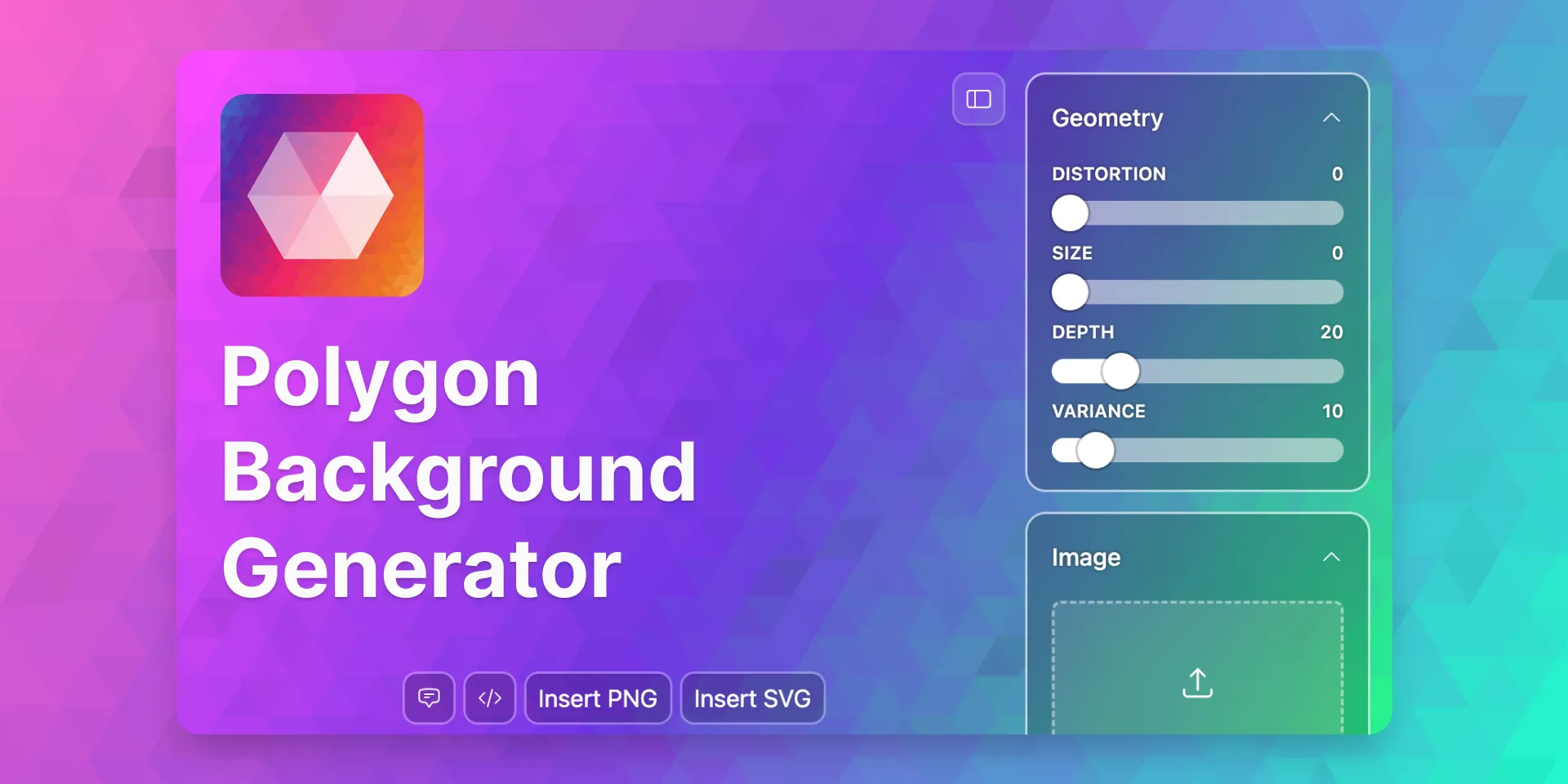
8. Polygon Background Generator
Generate stunning polygon backgrounds with full control over colors, geometry, and style. Perfect for hero sections and presentations.
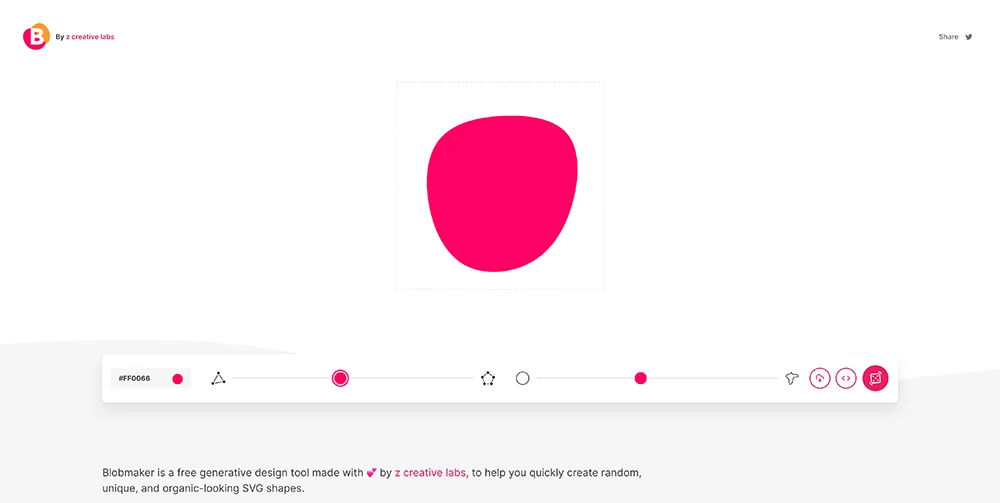
9. Blob Maker
Create unique organic blob shapes for backgrounds, illustrations, and UI elements. Generate random blobs or customize every detail.
10. Seamless Waves Generator
Generate smooth, customizable wave shapes for section dividers, backgrounds, and decorative elements.

✂️ CSS & Code Generation Plugins
Convert designs to code, generate CSS properties, and bridge the gap between design and development.
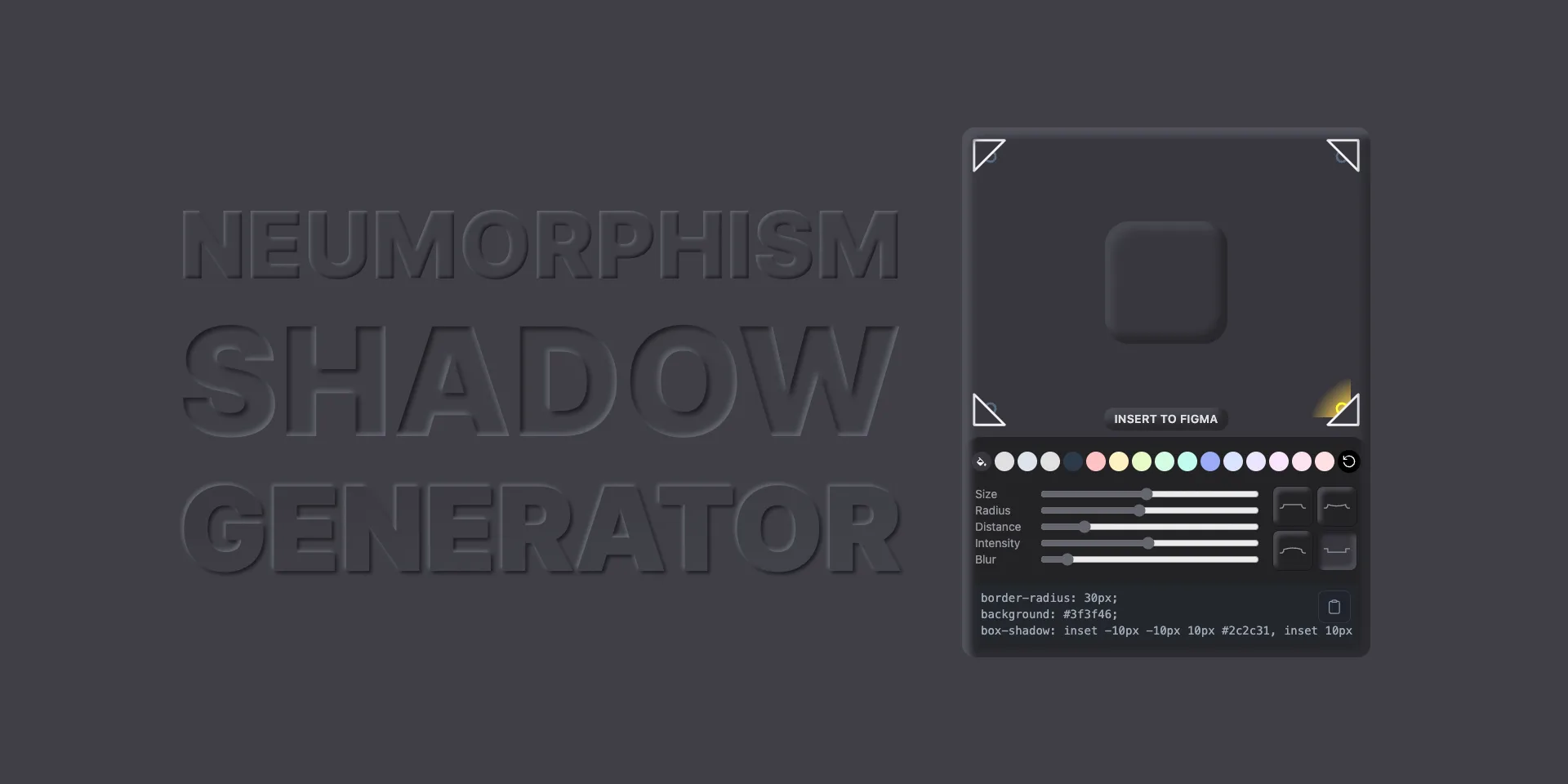
11. Neumorphism Shadow Generator
Create beautiful neumorphic shadow effects with customizable light source, intensity, gradients, and shape controls. Insert primitives and copy styles.
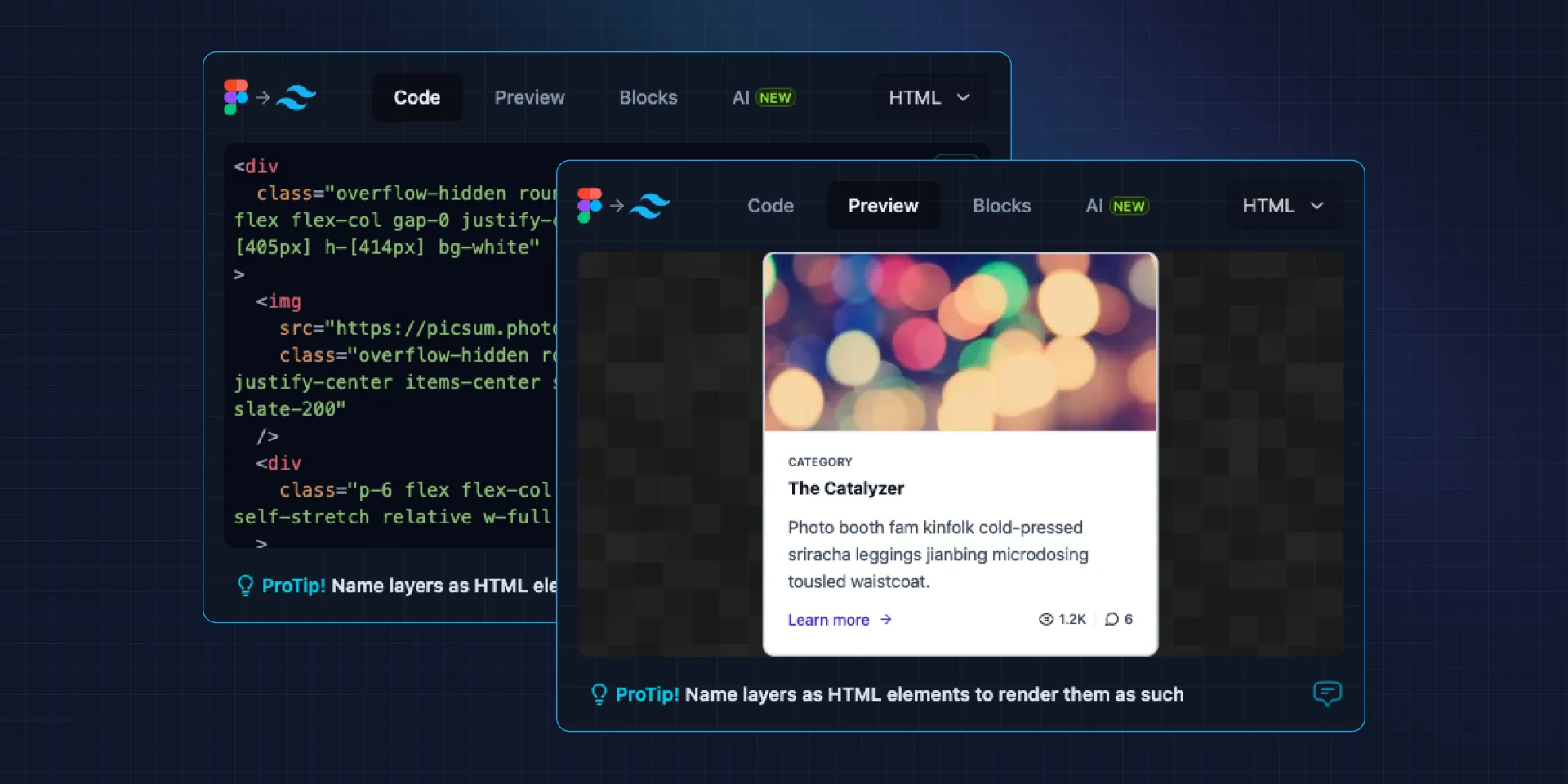
12. Figma to Tailwind CSS
Convert your Figma designs to Tailwind CSS utility classes. Speed up your front-end development workflow.
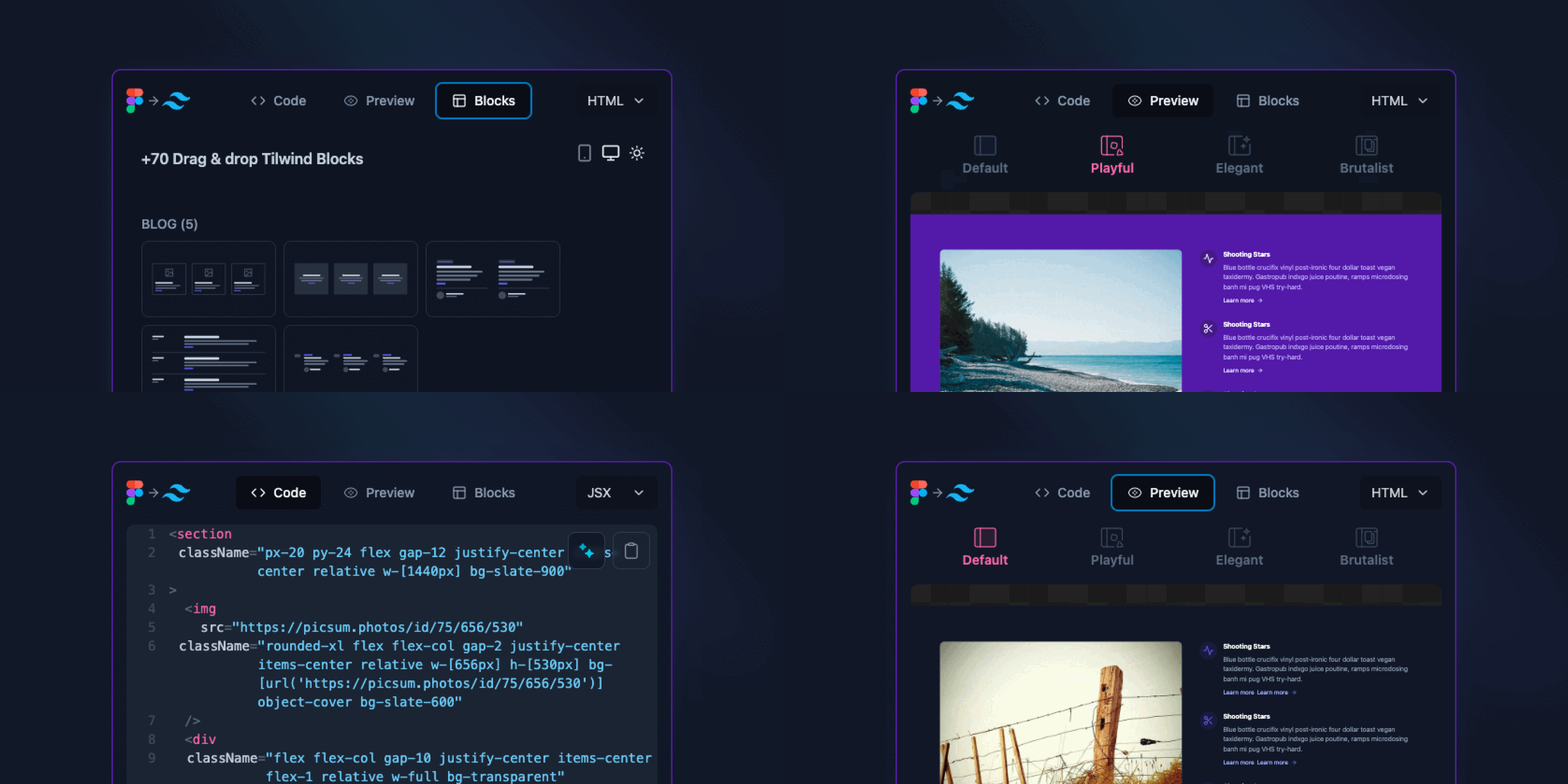
13. Figma to Tailwind AI
AI-powered conversion from Figma designs to Tailwind CSS with intelligent class suggestions and responsive utilities.
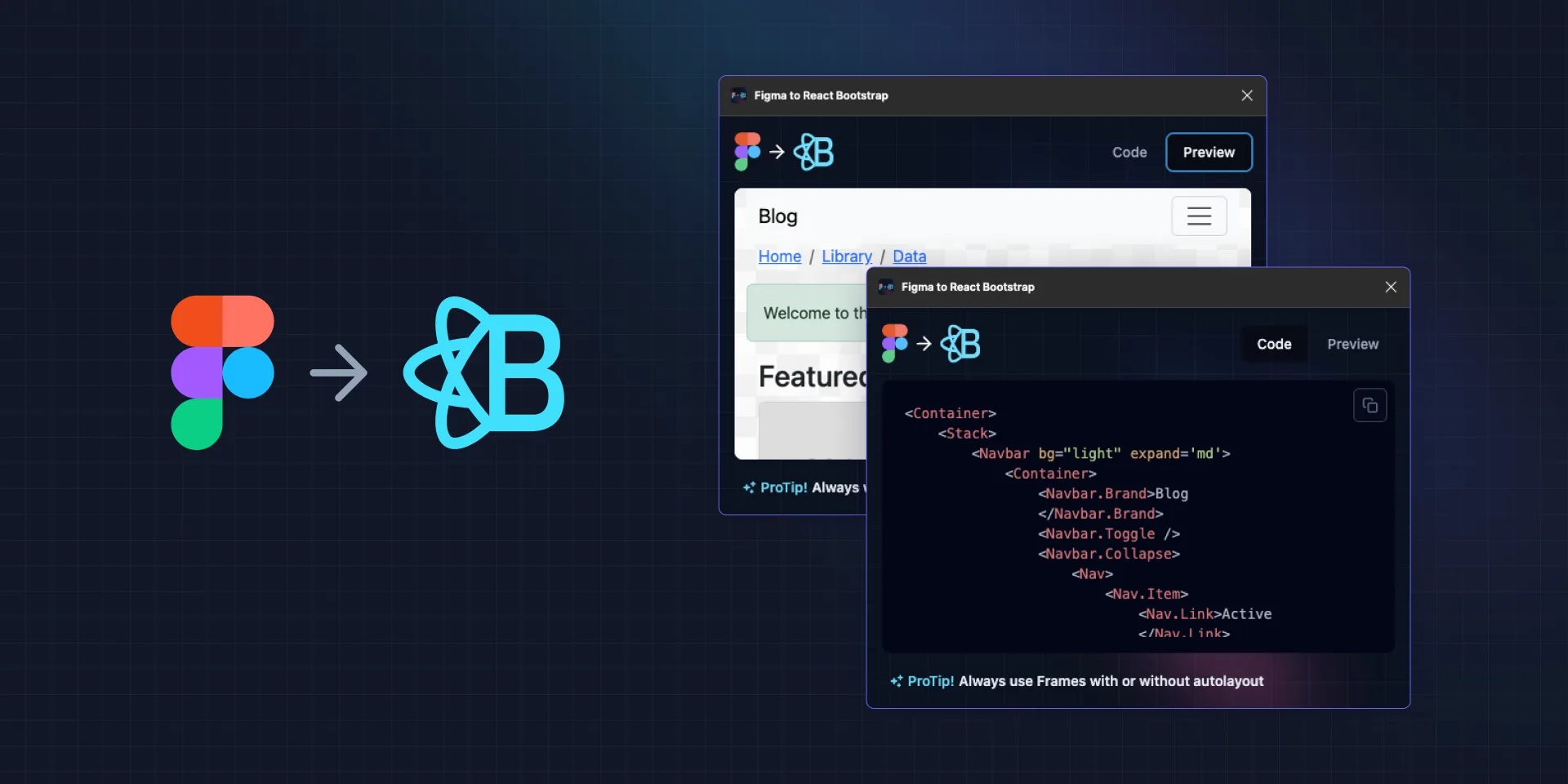
14. Figma to React Bootstrap
Convert Figma components to React Bootstrap code. Export production-ready React components.
🔧 Productivity & Utility Plugins
Speed up your design workflow with these essential utility plugins.
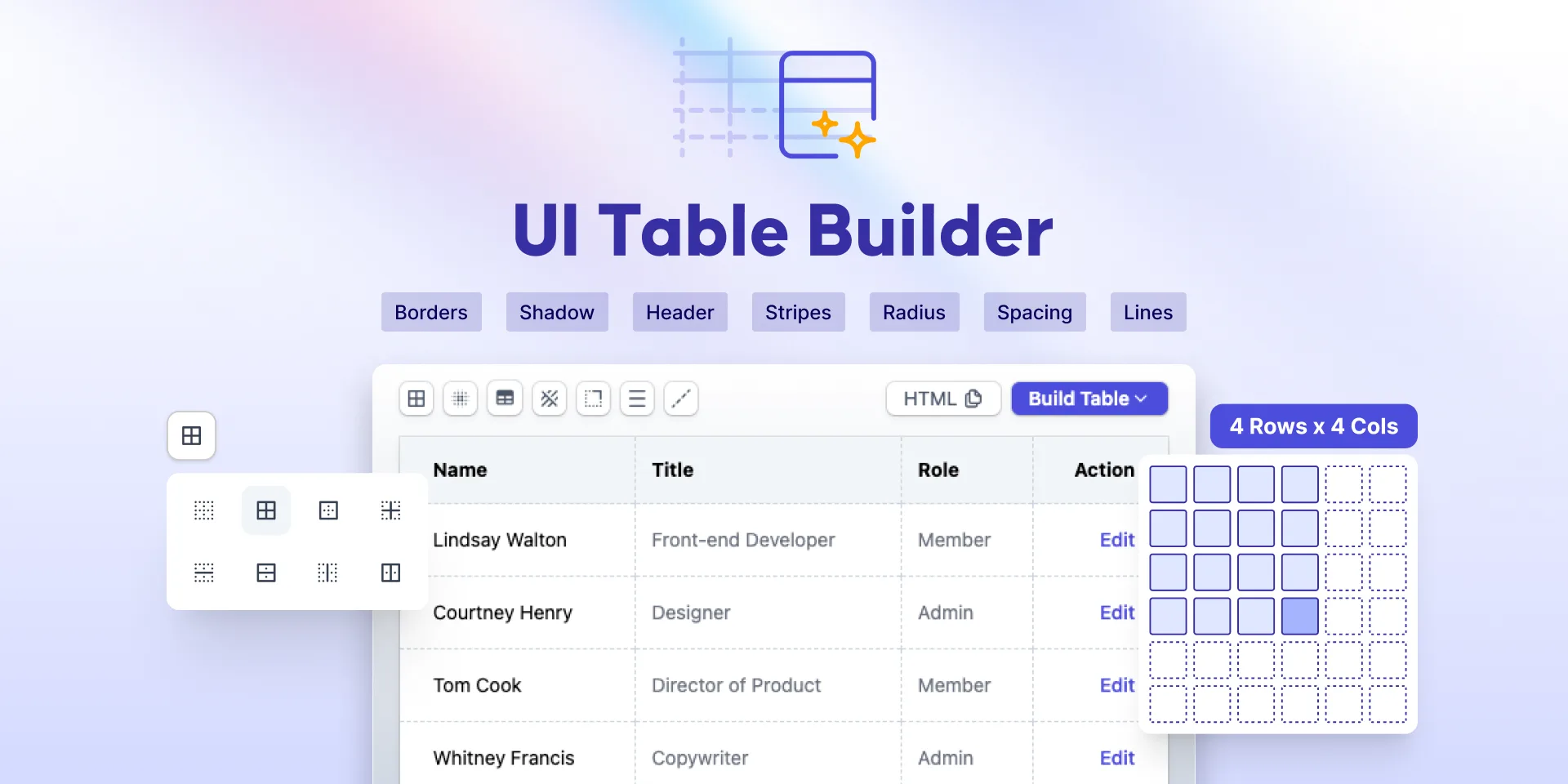
15. UI Table Builder
Build data tables visually with customizable columns, rows, and styling options. Perfect for dashboard designs and data-heavy interfaces.
16. Iconiverse
Access a comprehensive icon library directly in Figma. Search, browse, and insert icons into your designs.

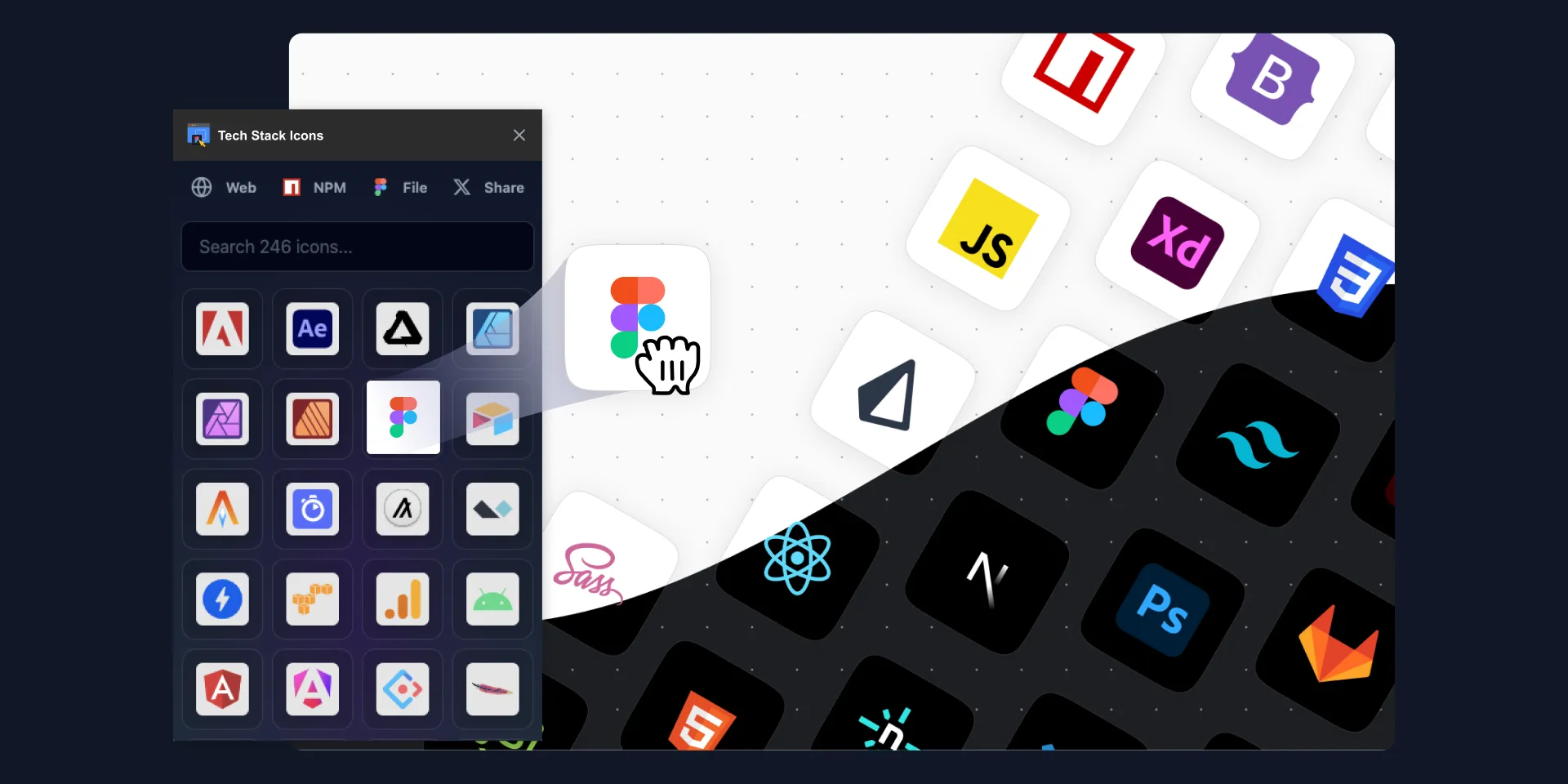
17. Tech Stack / Design Stack Icons
Insert technology and design tool logos and icons directly into your Figma files. Perfect for portfolio sites and tech documentation.
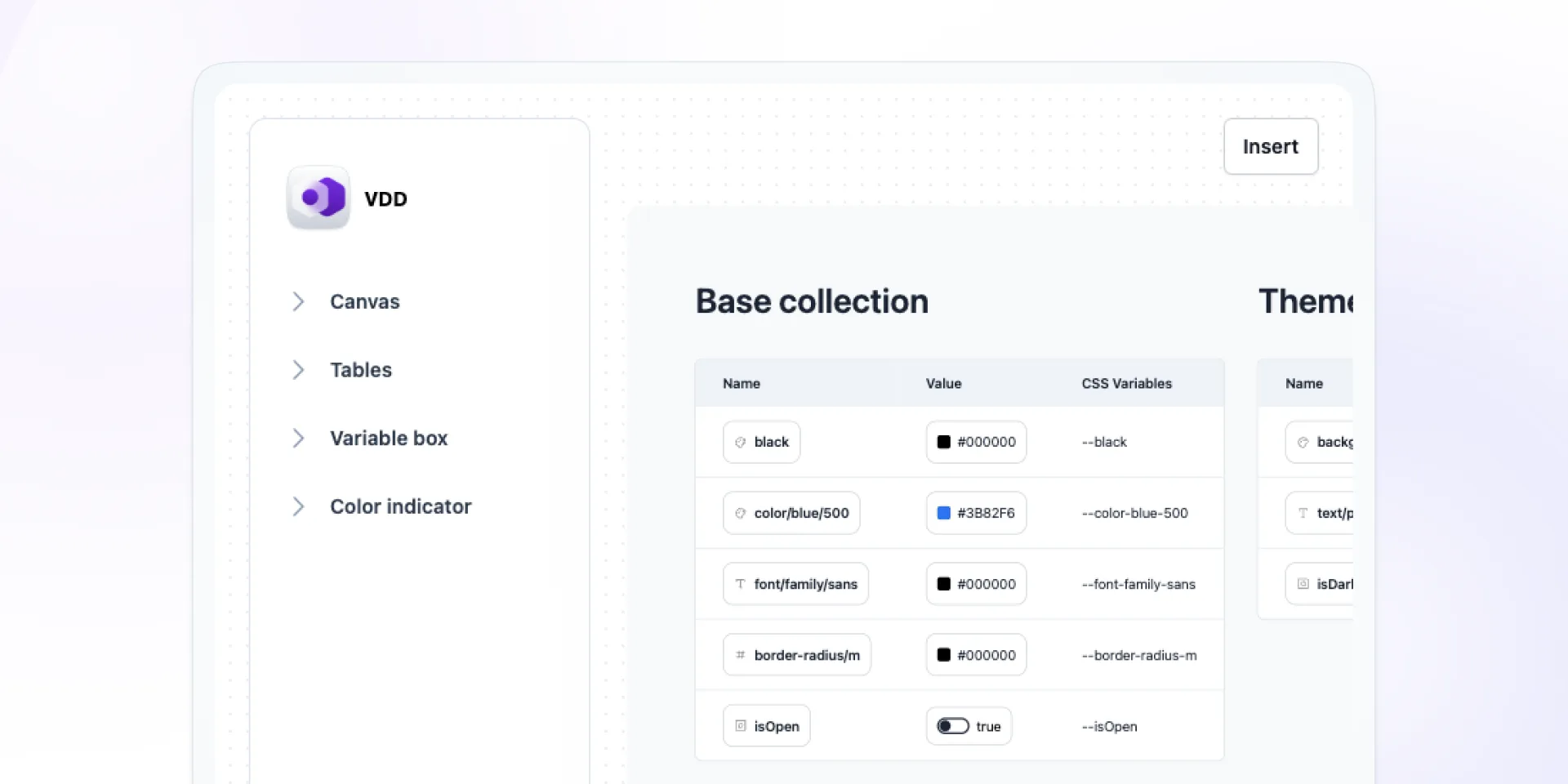
18. Variables Doc Designer
Document and organize your Figma variables, design tokens, and styles in a clean, shareable format.
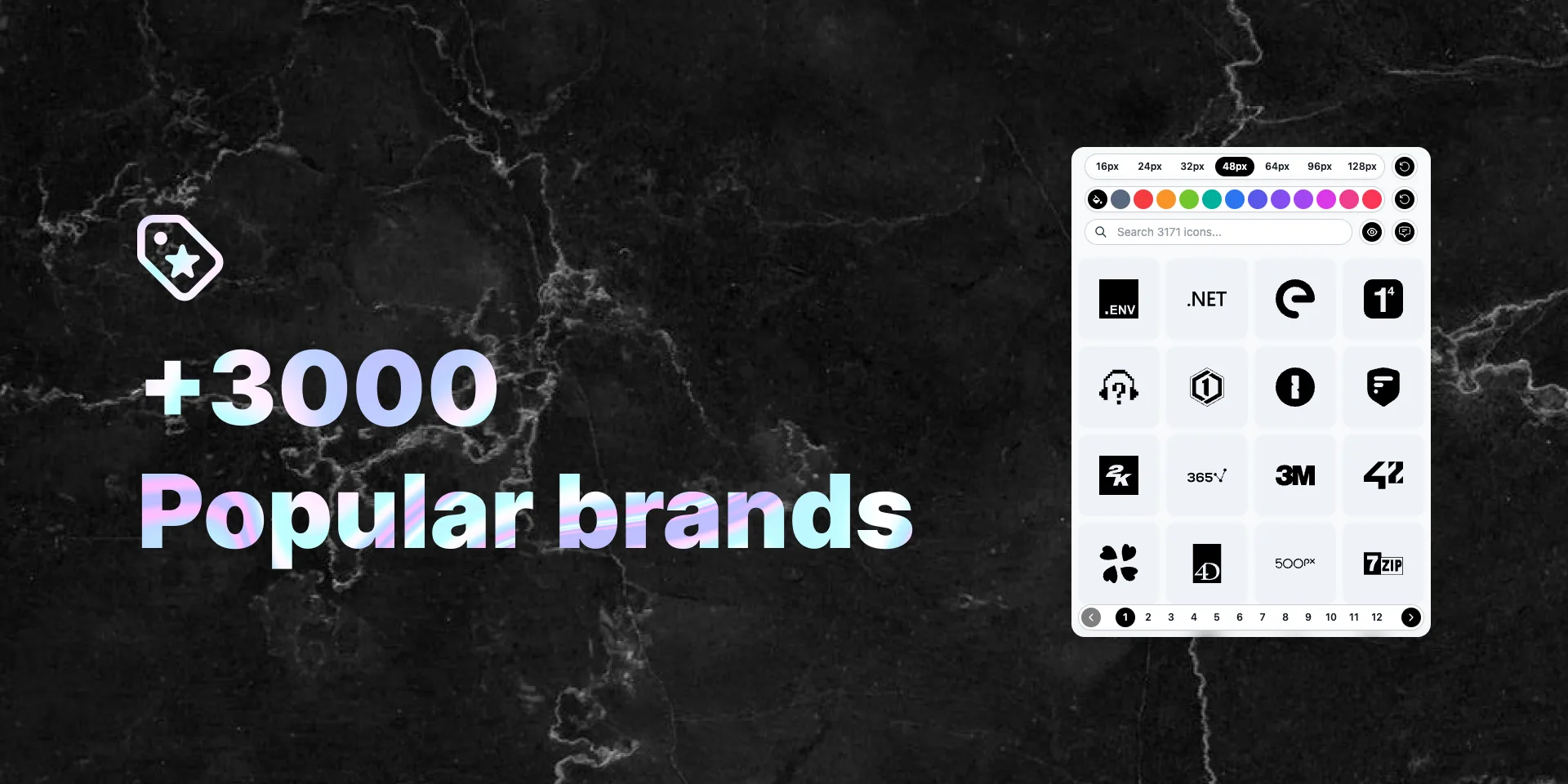
19. Popular Brands Logos
Access popular brand logos directly in Figma. Perfect for mockups, presentations, and client work.
Frequently Asked Questions
Explore All Plugins
Browse the complete collection of Figma plugins, Adobe Express add-ons, and Miro apps.