Clip Path Generator
Screenshot Shapes and Design Plugins
clip-path.app
About Clip Path Generator
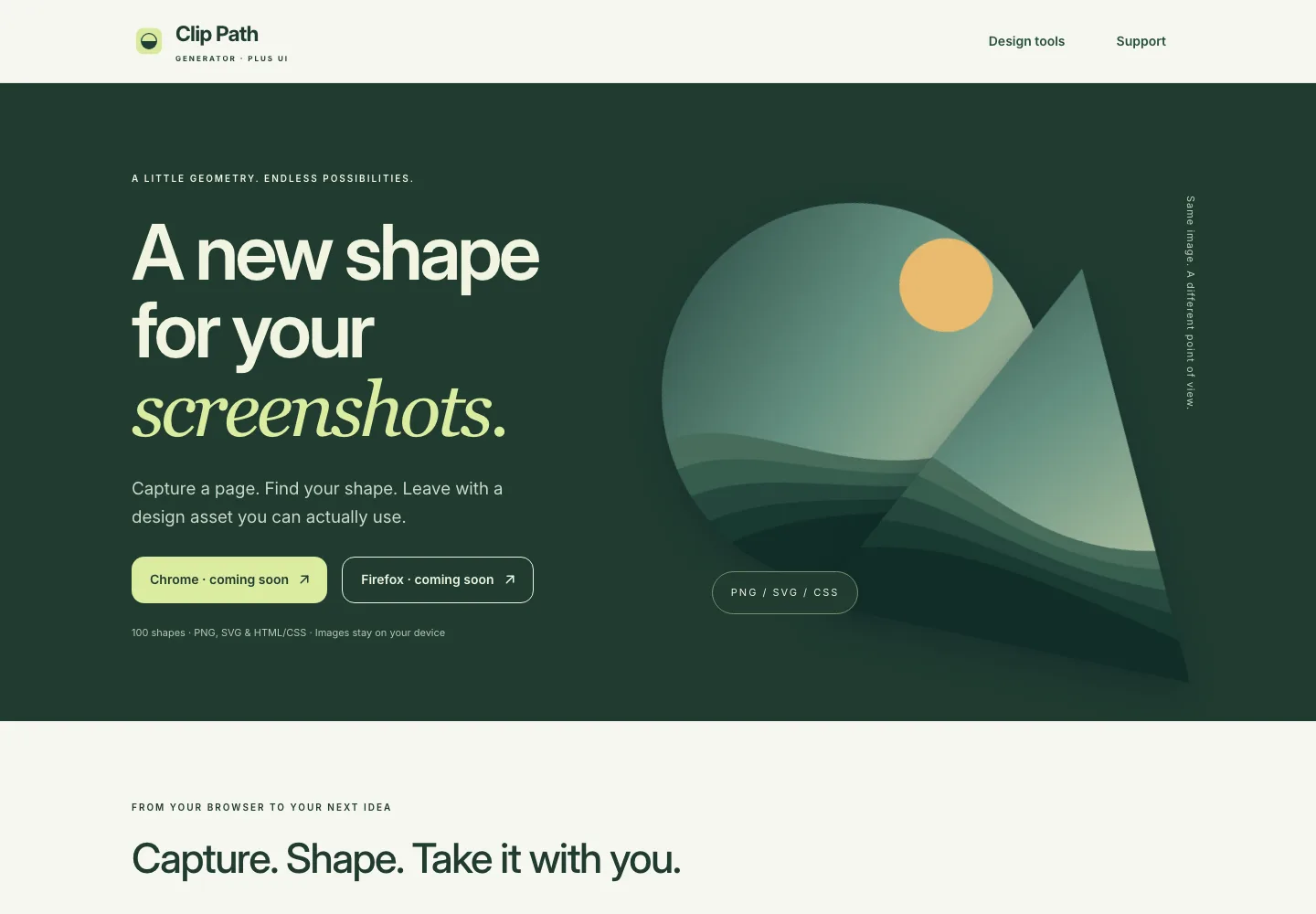
The Clip Path Generator website presents a screenshot-shaping workflow with image positioning, shape controls, and PNG, SVG, or HTML/CSS output.
Its Chrome and Firefox extensions are currently marked coming soon. The website also links to separate Figma, Adobe Express, and Miro editions; features and licensing differ between those platforms.
What you can do
- Explore the screenshot-shaping workflow and planned browser editions.
- Choose an available design-tool edition for your current project.
- Review the destination format and platform details before exporting.
Use the connected plugins
Explore the product details or open the listing for your platform.
Figma
Clip Path Generator
Create clip-path shapes in Figma with a visual shape editor. Explore the plugin and learn how to use the generated shapes in a design workflow.