Online Clip Path Generator
Clip an image into a custom shape right in your browser. Adjust the crop, then export the result for your website or design.
Open web editorImages are processed locally. Try five PNG exports with Basic shapes.
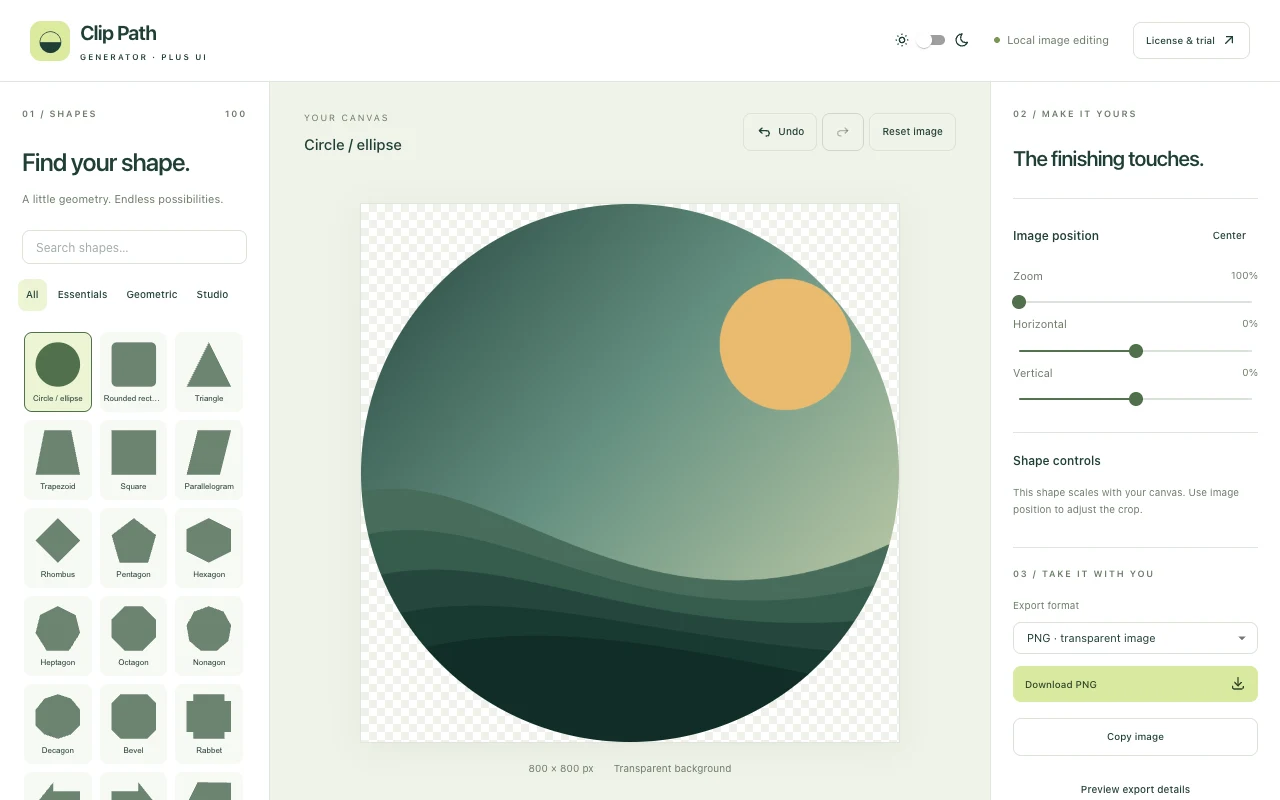
How to clip an image in your browser
Add an image
Upload, paste, or drop an image into the editor.
Fit it to a shape
Choose a mask and adjust the image position and zoom until the part you want is visible.
Export the result
Export a transparent PNG. SVG, HTML/CSS, and Studio shapes require Pro.
Working in Figma? Explore the CSS Clip Path Generator plugin.